
Let Snotra remember
Snotra does not start every chat from scratch. What you ask it to remember comes back in every later chat — in a new one as well, and after a restart.
What you need
Section titled “What you need”Nothing for the global memory. For the project memory, an open folder.
- Say it in the chat: Please remember that the beds are measured in centimetres.
- Snotra asks who should read it — unless you already said so (remember globally …), or no folder is open:
- Only you — globally, in every folder.
- Snotra in this folder — in the project memory.
- Every tool here — in the folder’s
AGENTS.md, which other coding tools read too and which is usually shared with the team. Since 1.30
- Check the card. Since 1.30 It shows what Snotra proposes as two rows of choices: Kind — a fact, a rule or a procedure — and Who reads it. If Snotra sorted it wrongly, pick another one: another reader, or Fact, is written as you chose; Rule or Procedure goes back to Snotra, which words it and asks again. Then click Remember. The card asks one entry at a time, in every mode for your own memory. Since 1.31.1 For this folder, Auto writes without the card, and the answer names the file.
From the next message on, the sentence is part of what the model knows.
Since 1.30 What Snotra keeps, and how. Snotra sorts by two questions. What is it? Something true only now, or that happened once — the test is failing, today we fixed the login — is not kept: the chat already has it. Steps towards a goal become a skill, something that can be followed or broken becomes a rule, and something true or false a fact in memory. Who reads it? Only you, Snotra in this folder, or every tool here. When an entry looks sorted wrongly, the card says so in a hint — Snotra never refuses it for its kind; you decide.
To tidy up, ask review my memory: Snotra goes through memory and rules files and proposes one change at a time — move a fact that is a rule, merge duplicates, drop what is stale — each on its own card.
Take away what lasts from a chat
Section titled “Take away what lasts from a chat”Since 1.30 A chat often turns up something worth keeping: a fact that came up, a correction that should hold next time, a way of doing something that worked. The chat itself is not kept as knowledge, so ask Snotra to draw it out.
- At the end of the chat, click Distil into knowledge… on the right of the chat header. Or ask in your own words: What do we take away from this?
- The button puts its request into the chat, so you see what was asked. Snotra goes through the chat and proposes one item at a time, each on its own card with its kind and who reads it — exactly as when you ask it to remember something.
- Change the kind or the reader on the card if it is sorted wrongly, then click Remember — or Deny to leave it out. The next proposal comes only after your answer.
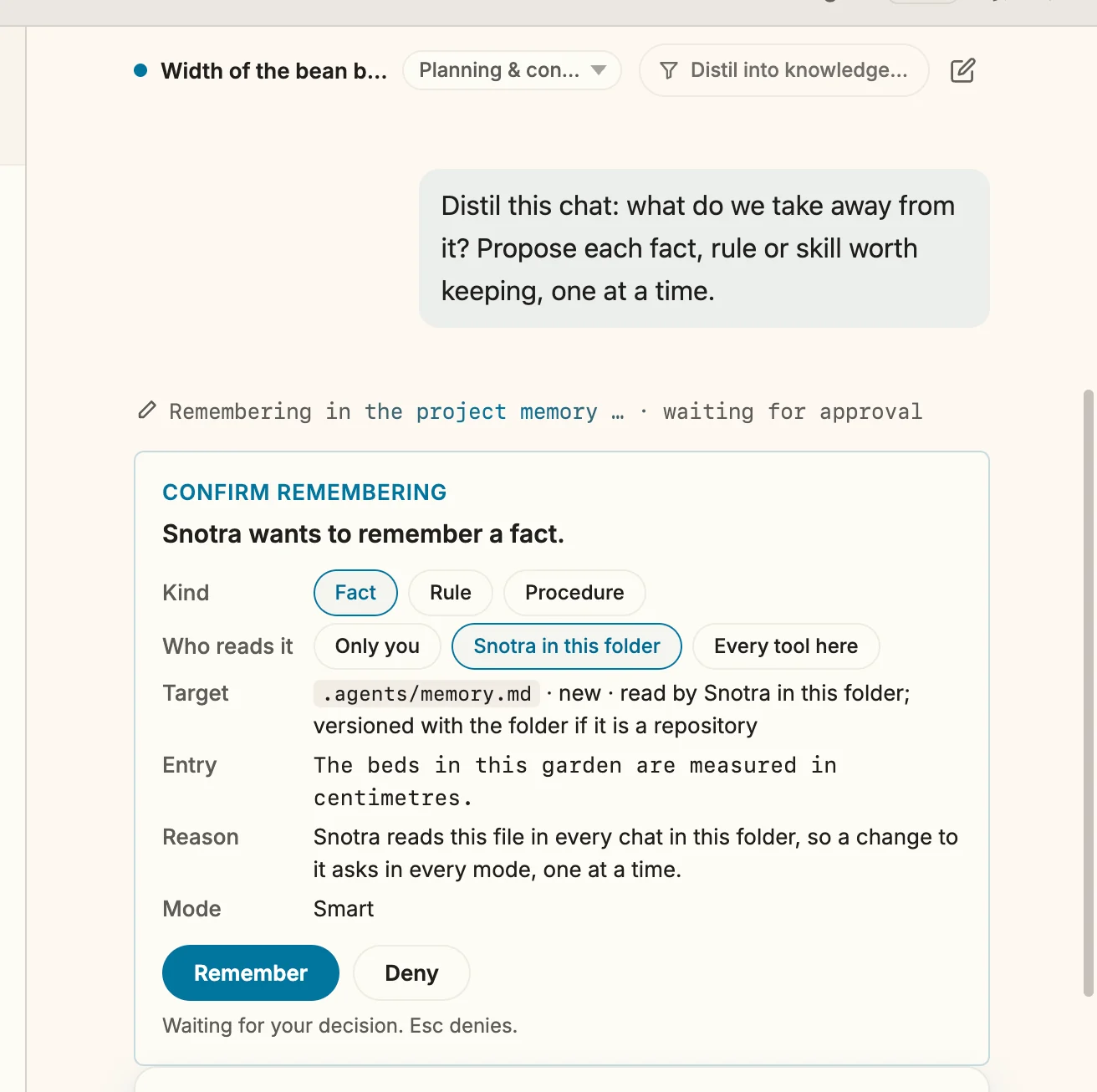
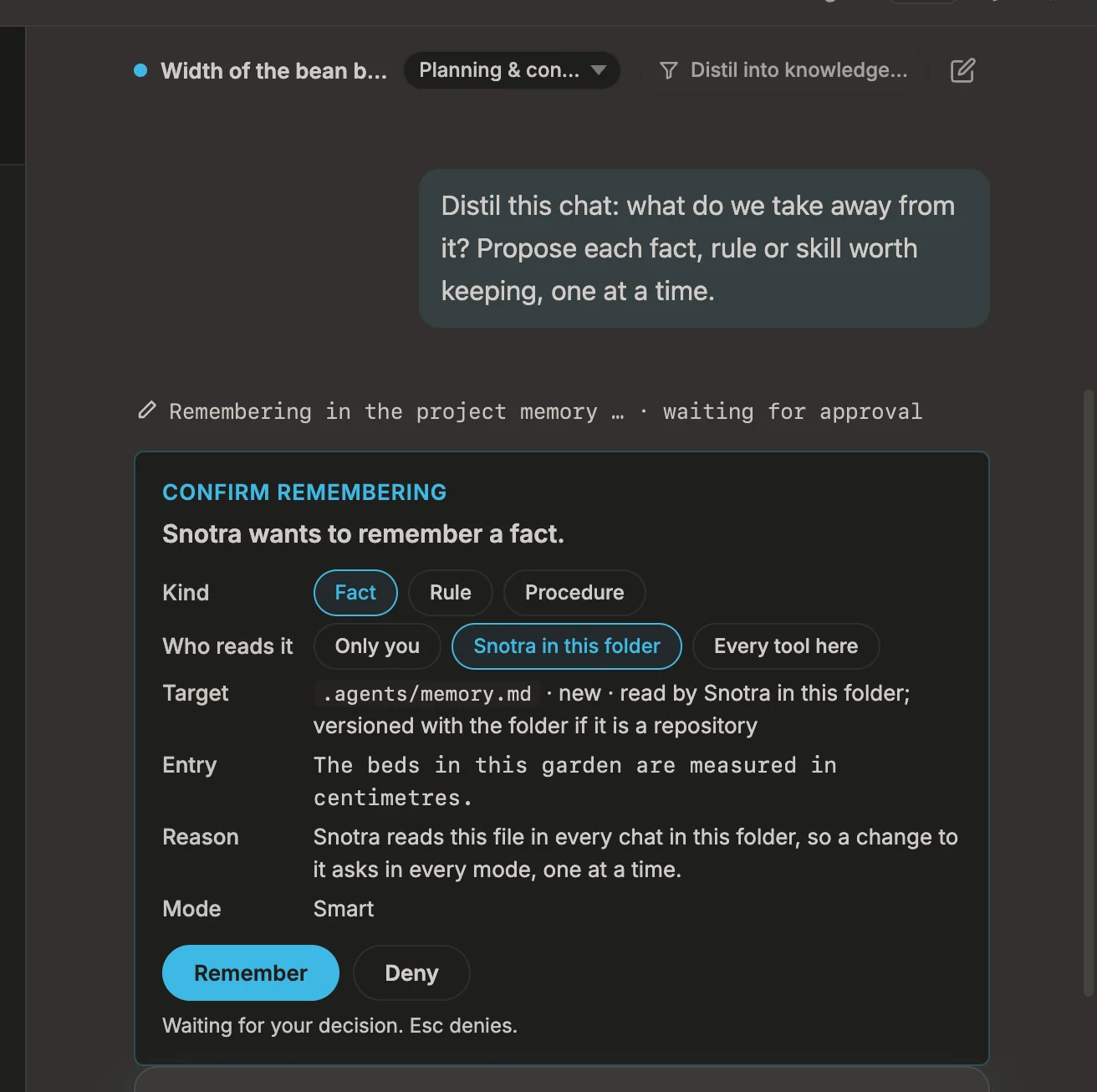
The button can’t be used in an empty chat, while Snotra is answering or while no model is set up; its tooltip says why. In a narrow chat column it shows only its icon, with the name in the tooltip. A draft in the message field stays where it is.
What happened only in this chat — the test is failing today — is not proposed: the chat already has it. If nothing lasts, Snotra says so. Because you asked, this works even with Snotra may remember things on its own switched off. Snotra never offers a distillation by itself; it starts when you ask.
Where it is kept
Section titled “Where it is kept”| Level | File | Applies to |
|---|---|---|
| Project | .agents/memory.md in the open folder | this folder only |
| Global | ~/.snotra/memory.md in your home folder | every folder |
| Every tool here | the section Added by Snotra at the end of AGENTS.md | this folder, and every tool that reads AGENTS.md |
Both are ordinary Markdown files: you can read and edit them in any editor. The project memory moves with the folder — and it lives inside your project, so it can end up in a repository. What concerns only you belongs in the global memory.
See and change what it keeps
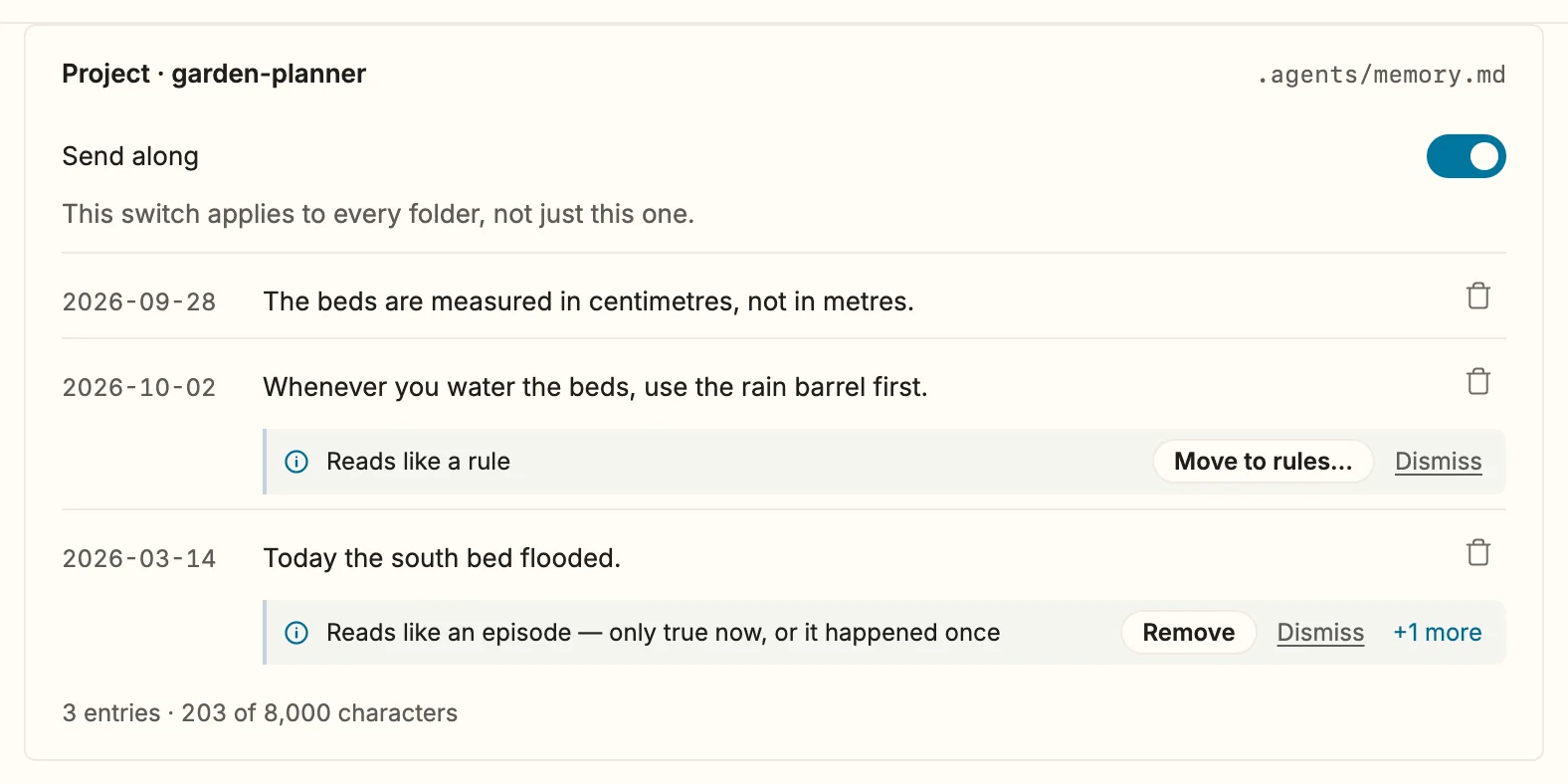
Section titled “See and change what it keeps”Settings › Knowledge shows both levels with every entry, its date, and whether Snotra remembered it on its own.
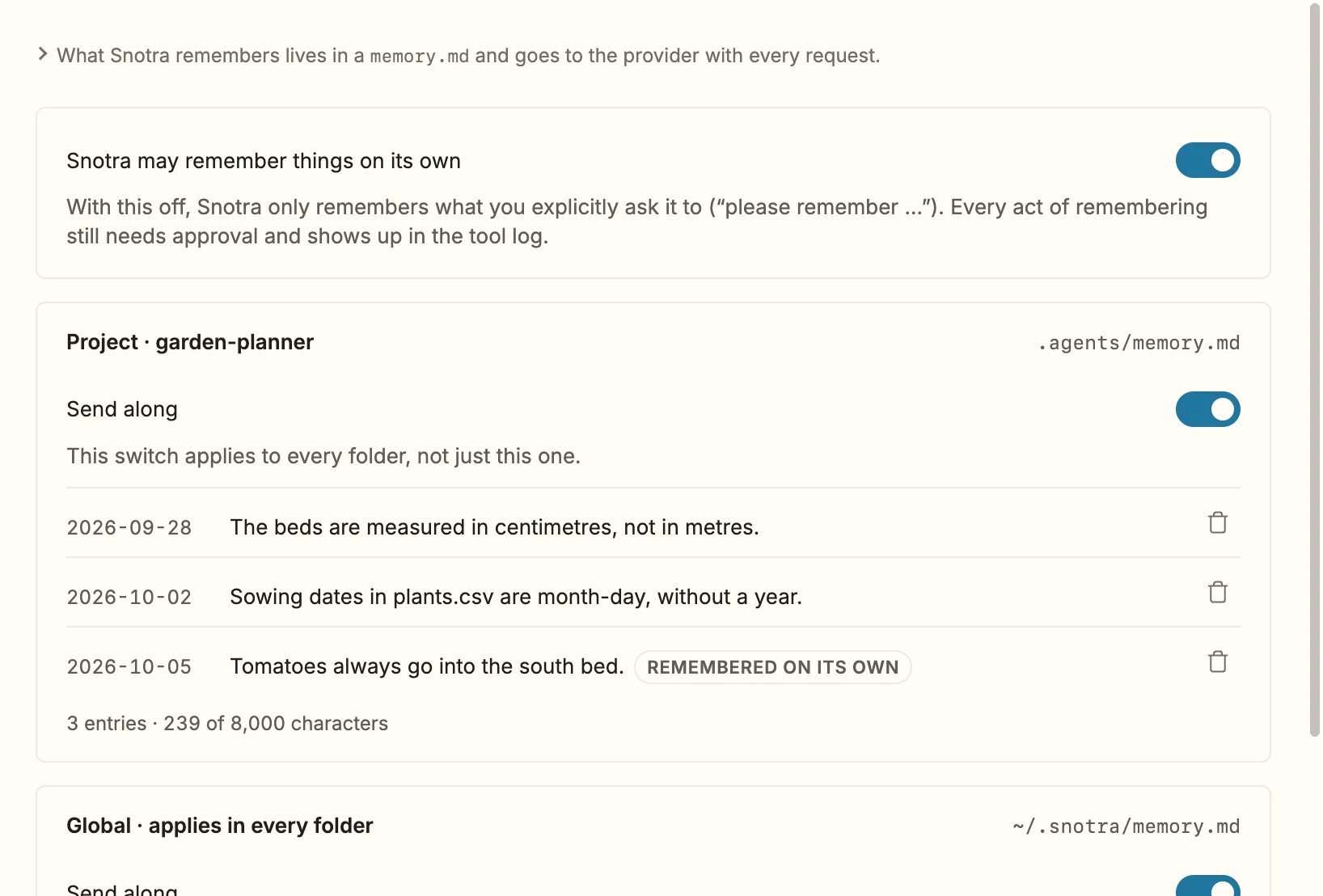
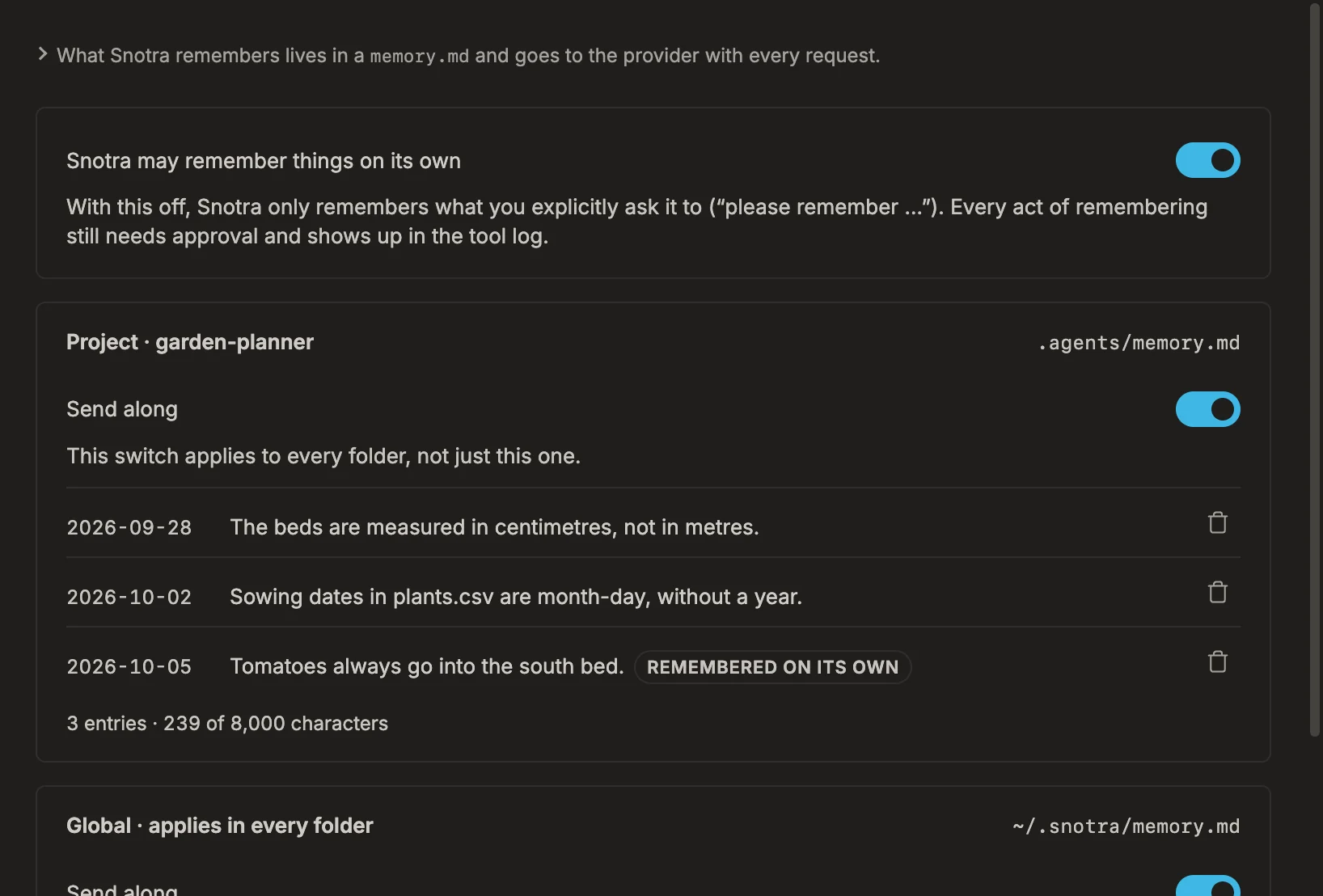
- The bin next to an entry deletes it.
- Send along switches a level off without deleting it.
- Snotra may remember things on its own — Snotra also keeps by itself what looks important for later, always with an approval and visible in the tool log. Switch it off, and Snotra remembers only what you ask for.
Changes in this section take effect at once.
Hints on entries
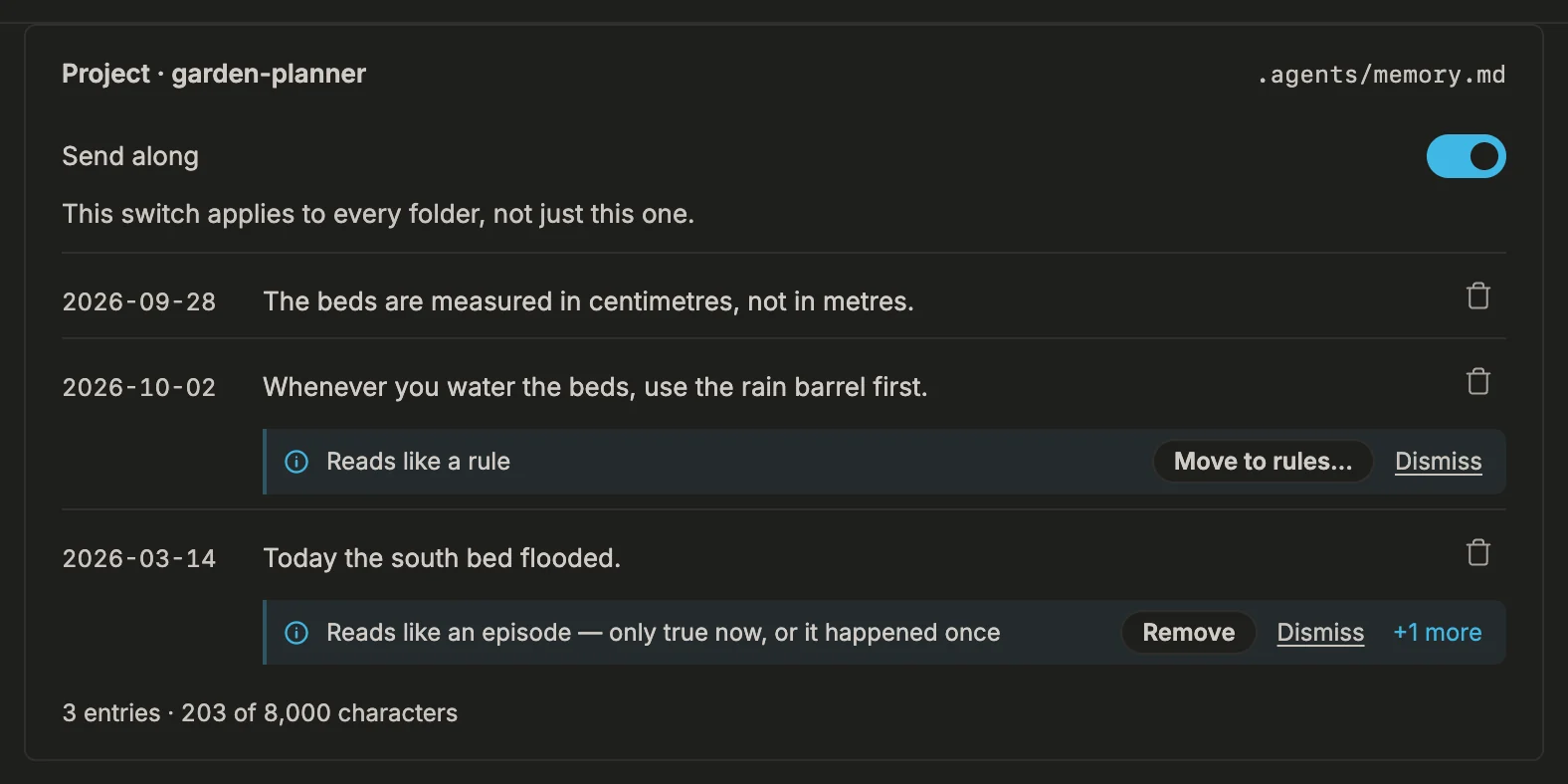
Section titled “Hints on entries”Since 1.30 Settings › Knowledge points out entries that may need a look — without asking a model, and without changing anything on its own. A hint sits under its entry, with what you can do about it:
| Hint | What you can do |
|---|---|
| Reads like a rule — always, never, whenever, must … | Move to rules… asks for the level and the rules file, writes the rule there and takes the entry out of memory. See Give Snotra rules. |
| Reads like a procedure — steps, first … then … | Create a skill… asks for the skill’s name and what it is for, writes it to .agents/skills/ (or ~/.snotra/skills/ for the global memory) and takes the entry out of memory. An existing skill of that name is never written over. |
| Reads like an episode — today, right now, something that happened once | Remove. A reason (because …) or a decision does not count as an episode. |
| Nearly the same as another entry — at least 80 % of the words in common, in memory or a rules file of the same level; or also kept globally | Remove or Edit, which opens the file in your editor. |
| Noted on … — still true? — more than 180 days old | Remove or Edit. An entry without a date never gets this hint. |
| Close to the limit — 80 % of a level’s 8,000 characters used | Ask Snotra in the chat to review my memory. |
The hints know every language Snotra speaks, whatever language the interface is in. When an entry has more than one hint, the first shows and +1 more unfolds the rest. Dismiss hides a hint for that entry for good; it comes back only when the entry’s words change. What a hint changes appears under Last changes, with Undo.
Undo a change
Section titled “Undo a change”Since 1.30 Settings › Knowledge › Last changes lists the last 50 changes Snotra made to a file it reads in every chat — memory, rules files, AGENTS.md, skills. Each shows when it was made, how — Remembered, File tool, Command, or Settings for an action taken on a hint — and the file, with the old text above the new one.
Undo puts back what the file held before that change. When the file has changed again since, or the earlier version was too large to keep, nothing is undone and Snotra says so: open the file and change it by hand. What you edit yourself in an editor is not listed.
What happens
Section titled “What happens”The memory goes to the provider with every request, up to 8,000 characters per level; Settings › Knowledge shows how much is used. Because a repository can bring a project memory along, the model reads it as notes kept in the folder, not as something you said.
Since 1.30 The project memory is checked like the project’s AGENTS.md: a memory that reads as if it hides something from you is marked in the breakdown behind the token count — see Project instructions. Your personal memory is not checked; it holds what you said.
Only you delete: the model can add to the memory, and replace an entry with a better one on a card that shows both, but not just remove anything from it — that is what the bin in Settings › Knowledge is for.
Since 1.30 When you ask Snotra to remember something for Only you while the open folder brings its own AGENTS.md or rules files, the card adds This folder brings its own instructions: …. A wish to keep something for every folder can come from a folder’s instructions rather than from you; check that it is yours.
If it doesn’t work
Section titled “If it doesn’t work”- Never store passwords, keys or credentials. The memory goes to the provider with every request. If one slips in anyway, Snotra masks it before sending.
- The project level is missing. No folder is open; open one, or remember it globally.
- An entry shows as cut off. A level holds more than 8,000 characters; only the beginning is sent. Delete what is no longer needed.