
Switch the model or the reasoning level
Every chat has its own model. You switch it in the chat at any time, and for models that have one, you also choose how much the model reasons before it answers.
What you need
Section titled “What you need”At least one model under Settings › Models — see Connect a model. Every entry whose switch is on there appears in the chat’s menu.
- Click the model pill in the input field. It names the model of this chat, for example
gpt-5-mini · medium. - Under Model, choose another one.
- Under Reasoning, choose a level, from
nonetomax. This part only appears for models that have levels — OpenAI’s models from GPT-5 on.
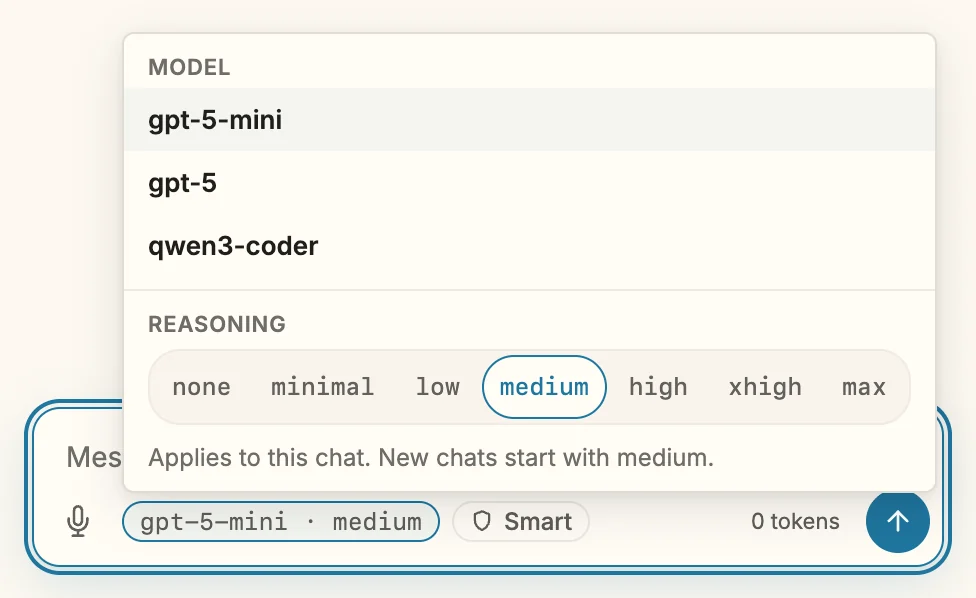
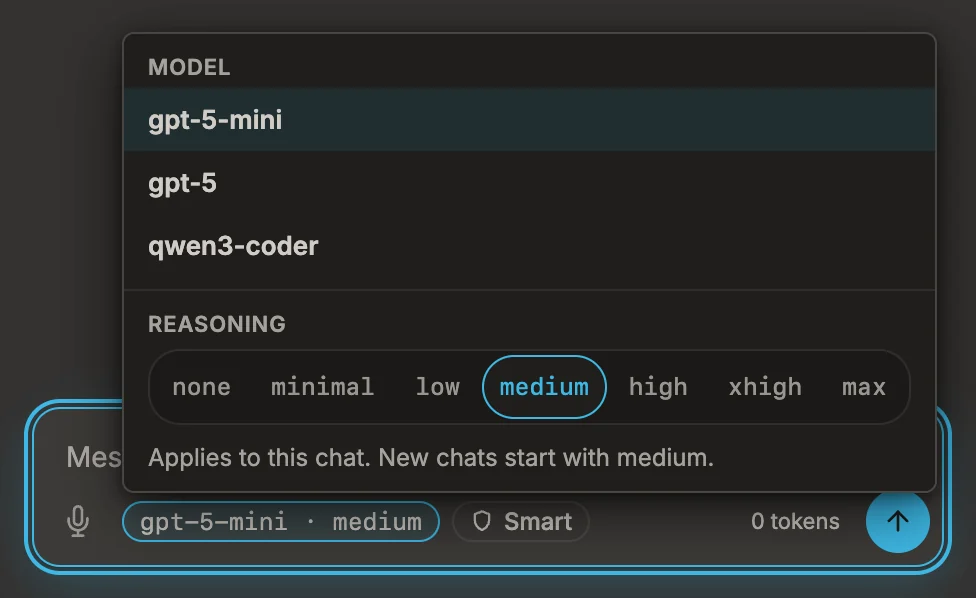
Since 1.15 A higher level gives the model more room to work through a problem before it answers; it takes longer and costs more tokens. medium is a good default; go higher for a tricky change across several files, lower for quick questions.
What happens
Section titled “What happens”- The next message goes to the chosen model, at the chosen level.
- Model and level stay with the chat. A chat from the history comes back with its own, also after a restart.
- A new chat starts with the model you chose last, and always at
medium. - The pill names the model alone. Only when two entries have the same model — the same local model on two servers, say — does it add the name of the entry.
If it doesn’t work
Section titled “If it doesn’t work”- A model is missing from the menu. Its switch under Settings › Models is off, or it is not in the list yet.
- The chat explains that the level is not available. OpenAI decides which levels a model takes. The message names the levels it does take, where OpenAI says so; choose one of them.
- An older OpenAI model shows no levels. Models before GPT-5 have none; they keep working without.