
When the model reports an error
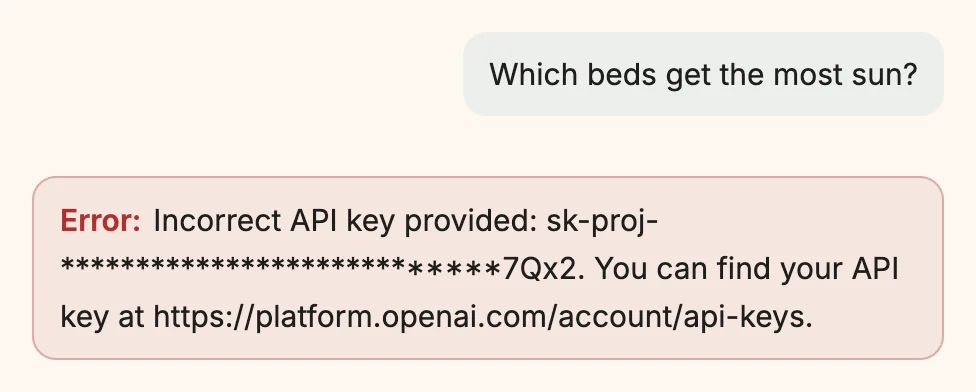
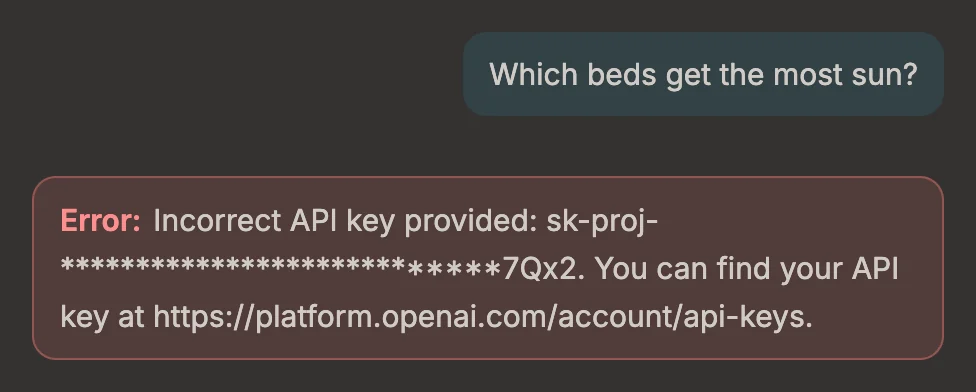
Sometimes a message gets no answer, only a red box beginning with Error:. Most of these errors come from the provider — OpenAI, a local server, a gateway — and Snotra passes them on in the provider’s own words. Reading the box closely is usually enough to know what to do.
What you need
Section titled “What you need”A chat in which a message ended in an error.
- Read the box under your message. After Error: comes the reason: either the provider’s own sentence, which is often English whatever language Snotra is set to, or a sentence of Snotra’s.
- Find the error in the table below and do what it says.
- Send the message again. Snotra does not repeat a failed request by itself.
Common errors
Section titled “Common errors”| What the box says | What it means | What to do |
|---|---|---|
| Incorrect API key provided, Invalid API key, HTTP 401 | The provider does not accept the key. | Create a new key with the provider and enter it under Settings › Models, with the pencil of the entry. |
| You exceeded your current quota, insufficient_quota | Your account has no credit left, or no payment method. | Check billing in your account with the provider. |
| Rate limit reached, HTTP 429 | Too many requests or tokens in a short time. | Wait a minute and send again. A long chat sends more each time; a new chat helps. |
| The model … does not exist or you do not have access to it, HTTP 404 | The model name is wrong, or your account may not use that model yet. | Check the name under Settings › Models; with OpenAI some models need a verified organisation. |
| No API key stored for … | The entry has no key. | Enter one under Settings › Models. |
| Connection to … failed. with ECONNREFUSED | Nothing listens at that address — usually a local server that is not running. | Start LM Studio, Ollama or your server, and check the Server URL. |
| Connection to … failed. with ENOTFOUND or ETIMEDOUT | The address cannot be reached: no network, a typo, a proxy or a VPN in the way. | Check the connection and the address. |
| Timed out after … s. | The provider took too long to respond. | Try again; if it keeps happening, the provider or the network is slow. |
| … does not support the reasoning level … | The model does not take the level chosen in the chat. | Choose another level in the model menu: Switch the model or the reasoning level. |
| The provider stopped the answer with its content filter. | The provider refused to go on. | Rephrase the request. |
Errors that are Snotra’s own
Section titled “Errors that are Snotra’s own”Some boxes are not about the provider:
- The answer was cut off: the model reached its output limit. Ask Snotra to carry on, or to answer in smaller parts. If it happened in the middle of a tool call, ask for smaller steps — one file at a time.
- Too many tool rounds (14 at the moment). The model called tools more often in a row than allowed. Ask a narrower question, or raise Max. tool rounds under Settings › General.
- The connection ended before the answer was complete. The provider or the network broke off. Send the message again.
- The answer did not come through. Ask again.
- Snotra Agent ran into an error of its own and stopped the answer. Ask again. If it happens again, report it with the text in brackets.
What happens
Section titled “What happens”The error stays in the chat, also in the history, and is not sent to the model with your next message. Nothing else changes: your key, your settings and the chat so far are as they were.
If it doesn’t work
Section titled “If it doesn’t work”- The send button is disabled, and there is no box at all. No model is set up, or its key is missing. The line above the input says which: see Connect a model.
- The key is right, but the provider still refuses it. Look for spaces copied along with it, and check that the key belongs to the project or organisation that has the credit.
- Every request to a local server fails right after an update of that server. Its address or port may have changed; LM Studio, for example, lets you choose the port. Compare it with the Server URL.