
Follow what Snotra does
Snotra does not only answer; it reads files, changes them and runs commands on the way. Each answer keeps a log of these steps, so you can see what the answer rests on.
What you need
Section titled “What you need”A chat in which Snotra used its tools — for most questions about the folder, it does.
Read the tool log
Section titled “Read the tool log”While Snotra works, the steps appear above the answer one by one: File src/calendar.js read, File notes/spring-2026.md changed. A line that is still running shows it; Model is thinking … stands there while the model works out its next step.
Once the answer is complete, the steps fold into one line that counts them, such as 2 files written · 2 files read. Click it to unfold them again.
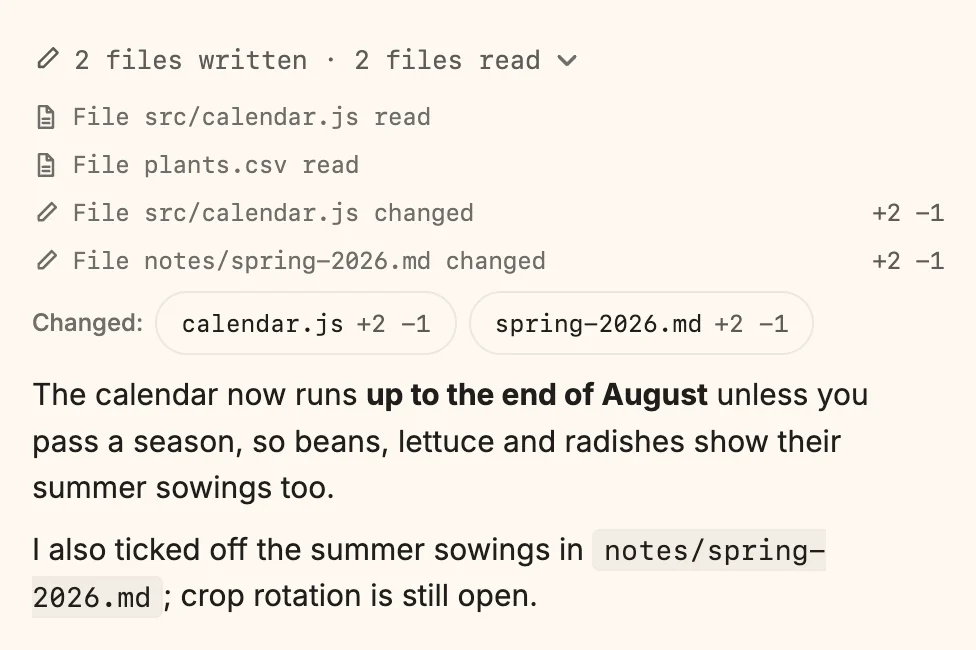
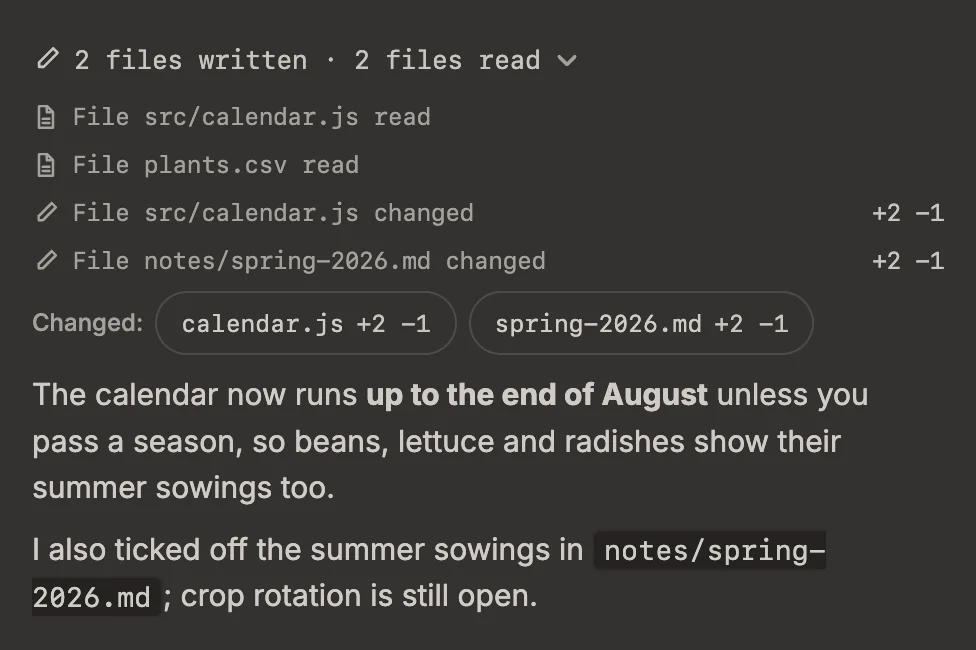
- A change carries its count of added and removed lines, for example
+2 −1. - A step that did not run says why: denied when you said no on the card, blocked when a rule stopped it, expired when the request lapsed. Hover over it for the details.
- A step that came from a skill names the skill.
When the sandbox stopped something
Section titled “When the sandbox stopped something”If a command or a Python run on macOS or Linux tried to reach something the sandbox keeps closed — a folder outside the project, a host it was not allowed — a box The sandbox blocked … appears under the tool log. It lists what was blocked, how often, and why. That is usually the reason a command failed in a way its own output does not explain. Since 1.18 For a write or a read of a protected location, a card asks right after the run whether to allow it and run the command again; a connection to a host the call did not name waits for you on a card while the command runs. The box then also says what you decided. More on Run commands in the sandbox.
What happens
Section titled “What happens”The tool log stays with the answer, also in the chat history. Files Snotra read or changed are marked in the file tree as well, and the line Changed: under the log leads to each change: See what Snotra changed.
If it doesn’t work
Section titled “If it doesn’t work”- An answer has no tool log. The model answered from what it already knew, without using a tool.
- You want to report a problem with a run.
Cmd+Shift+D/Ctrl+Shift+Dcopies the diagnostics of the tool log to the clipboard, ready to paste into a bug report.