
Manage your models
Settings › Models holds every model Snotra can chat with: cloud models with your own key and models on your own computer or on a server of your organisation, side by side. You pick one per chat.
The first one is set up in Connect a model. This page is about keeping several.
What you need
Section titled “What you need”For each model either a key from its provider or the address of a server that runs it.
The list
Section titled “The list”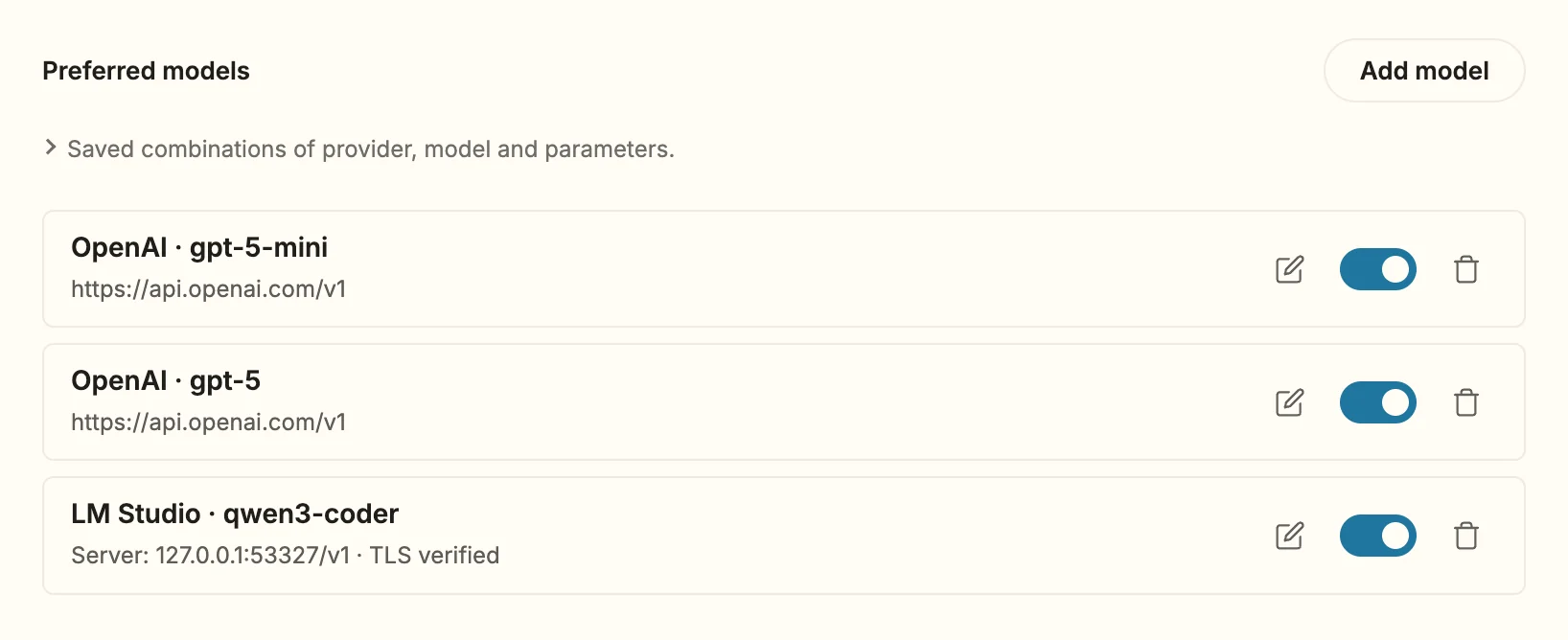
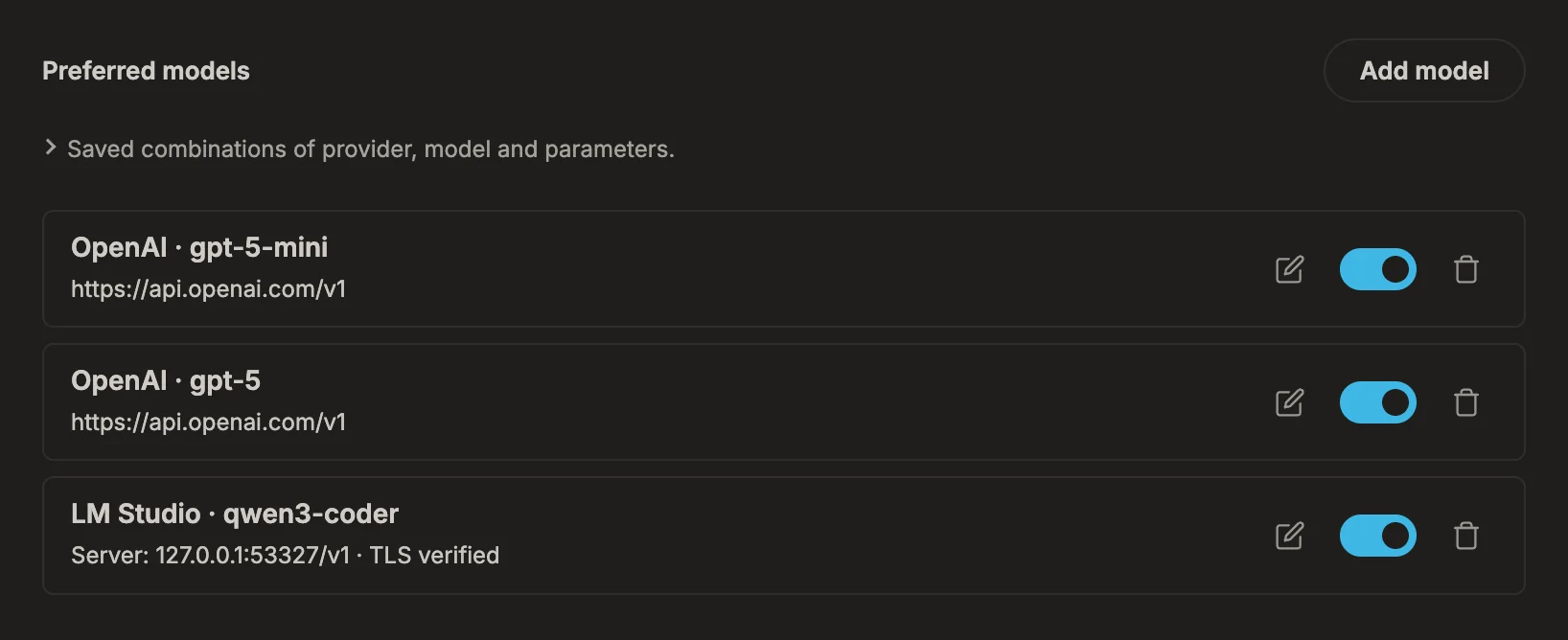
Every row is one entry: a provider with one model. Each row has
- a pencil to edit it — the dialog is then called Edit model, and Apply changes replaces the row;
- a switch that decides whether the entry appears in the chat’s model menu, so you can keep a model without offering it;
- a bin to remove it.
Changes take effect when you click Apply at the bottom of the settings.
The providers
Section titled “The providers”| Provider | Access | Good to know |
|---|---|---|
| OpenAI | API key | GPT-5 and later, with images and reasoning levels. One key for all OpenAI entries. |
| Anthropic (Claude) | API key | One key for all Anthropic entries. |
| Google (Gemini) | API key | One key for all Google entries. |
| Ollama (local) | Server URL | Ollama’s own interface, http://localhost:11434 by default. |
| OpenAI-compatible | Server URL, key optional | Everything else with an OpenAI-shaped interface. Each entry has its own address, key and name. |
Connect a server with an OpenAI-compatible interface
Section titled “Connect a server with an OpenAI-compatible interface”LM Studio, MLX-LM, llama.cpp, vLLM, a gateway of your organisation, or a router service such as OpenRouter:
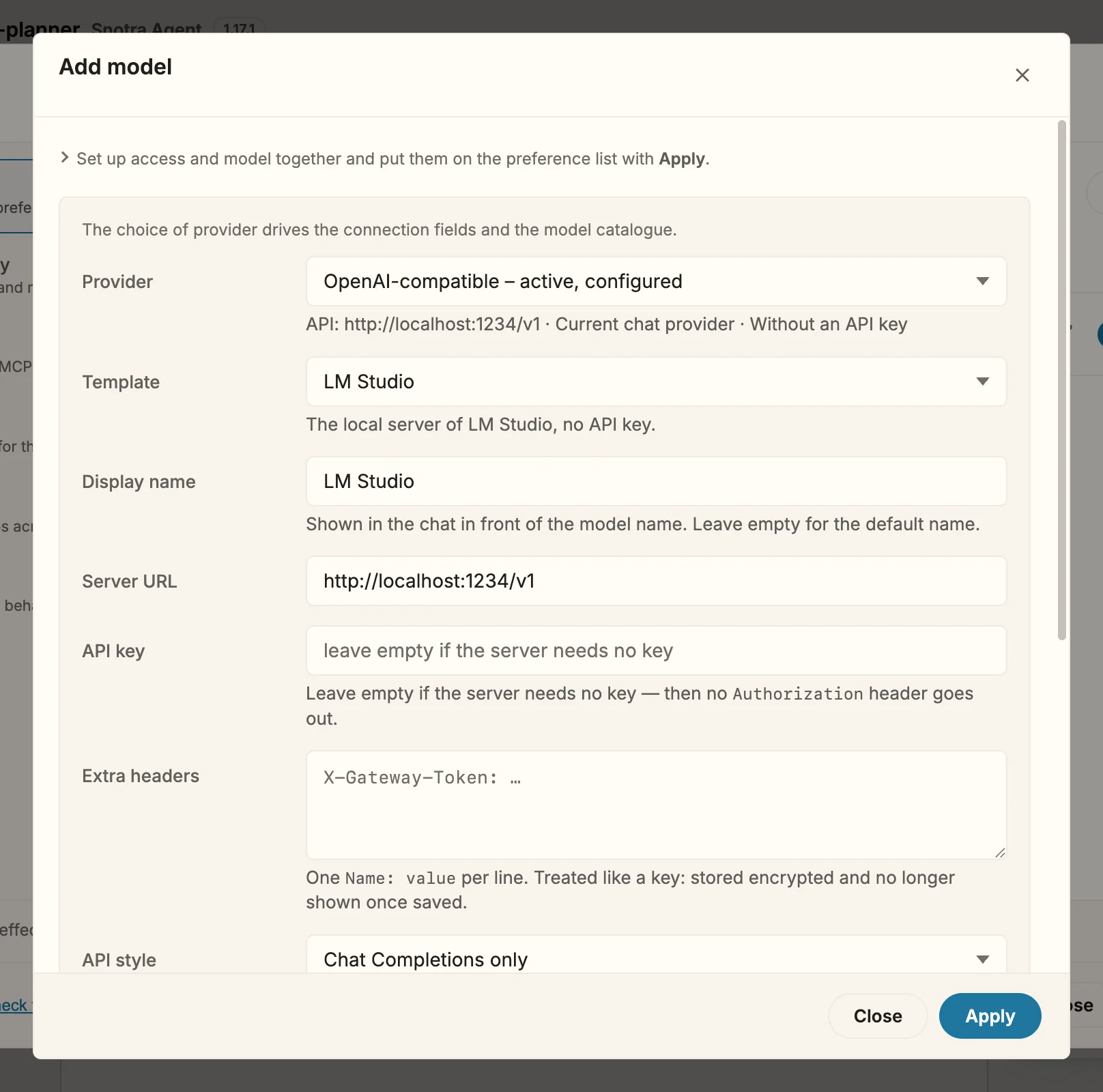
- Click Add model and choose OpenAI-compatible under Provider.
- Under Template, choose the kind of server. It fills in the Server URL and the API style; everything stays editable, and the template itself is not stored. For anything not listed, choose Custom endpoint.
- Give the entry a Display name if you run several servers — it tells them apart in the menu.
- Fill in what your server needs (see below), then click Load models or type the model name.
- Click Apply, then Apply at the bottom of the settings.
| Field | What it is for |
|---|---|
| Server URL | The root of the interface, for example http://localhost:1234/v1. |
| API key | Optional. Leave it empty for a server on your computer; then no Authorization header is sent. |
| Extra headers | One Name: value per line, for a gateway token or a tenant header. Stored encrypted like a key and not shown again. |
| API style | Chat Completions only fits almost every server. Choose the one with /responses only if the service offers it; Snotra falls back once if it does not. |
| Ignore TLS certificate (insecure) | Only for a self-signed or internal certificate you trust. |
| Send tools along | On by default. Switch it off for a server that chokes on tool descriptions — then it stays a plain chat, without files or commands. |
| Allow image attachments | Off by default. Switch it on only if the model understands images. |
A key and extra headers go only to the address they were stored with. If you change the address, enter the key again.
What happens
Section titled “What happens”The entries appear in the chat’s model menu, in the order of the list. Keys and headers are stored encrypted on this computer and are not shown again — leave the field empty to keep what is stored, or remove it with the bin next to the field.
A server counts as local when its address is localhost, 127.0.0.x, ::1 or ends in .local. Snotra then waits longer for its model list and sends a shorter part of the conversation with each request.
If it doesn’t work
Section titled “If it doesn’t work”- The model list stays empty. Not an error for an OpenAI-compatible server: the line under the field says why, and a typed name works as well.
- … is already in the list. The provider and model are listed already, under the name the message gives; edit that row instead. An entry that is only missing its key is the exception: adding it again with a key completes it.
- A model only ever answers in text. Either Send tools along is off, or the model cannot use tools. Snotra needs tools to read and change files.