
The first start
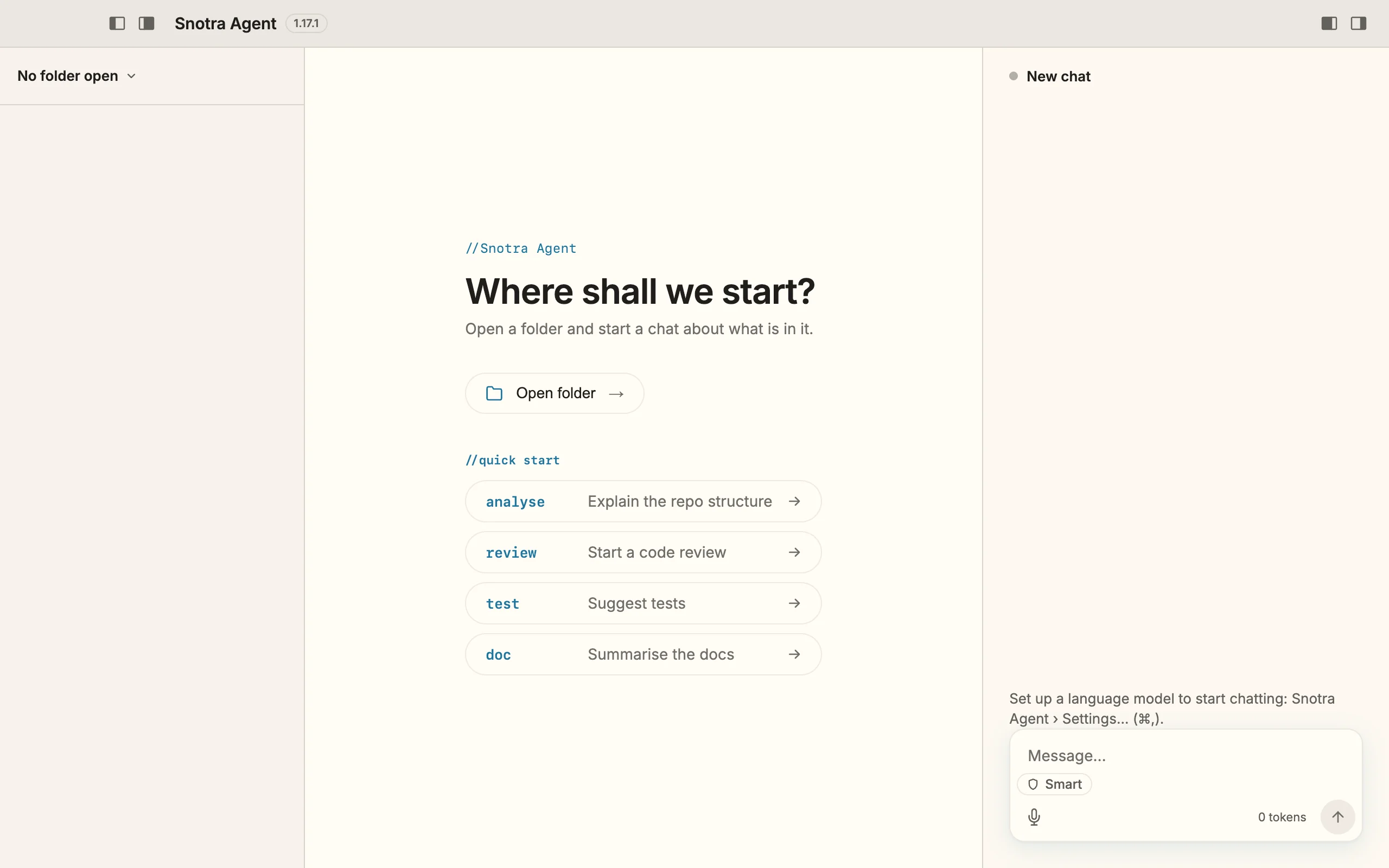
On its first start Snotra Agent has neither a folder to work in nor a language model to work with. The window shows both gaps.
What you see
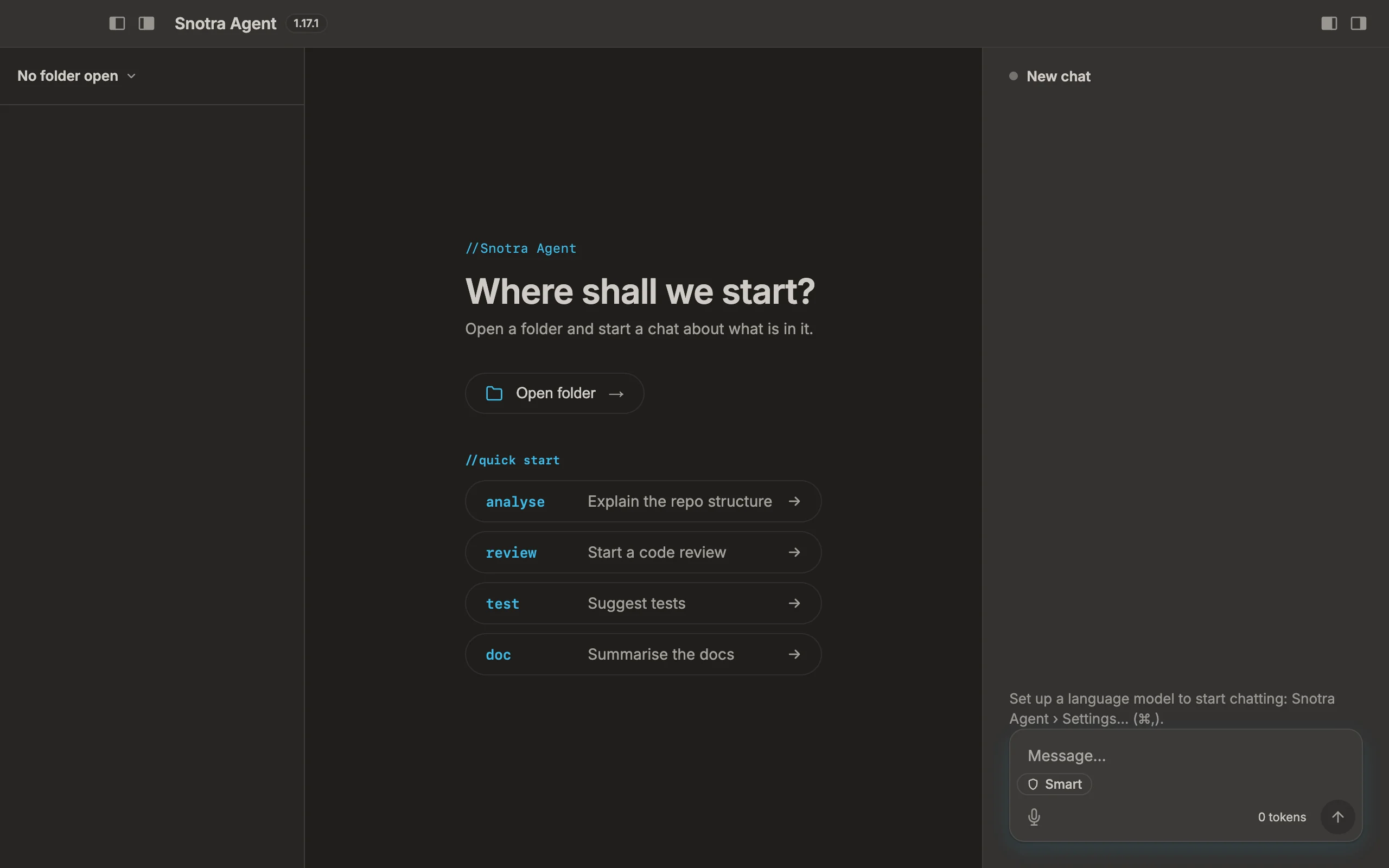
Section titled “What you see”- On the left, the sidebar says No folder open. This is where the file tree of your folder will be.
- In the middle, the welcome page asks Where shall we start?, with the button Open folder and four quick-start suggestions.
- On the right, the chat shows a hint above the input field: Set up a language model to start chatting, followed by the way to the settings. Until a model is set up, the send button stays disabled.
What to do next
Section titled “What to do next”- Connect a model, so that Snotra has a language model to chat with.
- Open a folder, the one you want to work in.
The order does not matter. Snotra needs both to work for you.
Switch the language
Section titled “Switch the language”Snotra starts in English. To switch the interface to German:
- Open the settings: Snotra Agent › Settings… on macOS, View › Settings… on Windows and Linux, or
Cmd+,/Ctrl+,. - Choose General on the left.
- Under Interface language, pick Deutsch.
The window and the menu bar switch at once, without a restart. In the same section, Appearance switches between a light and a dark interface.