
Check and change a chat's kind of task
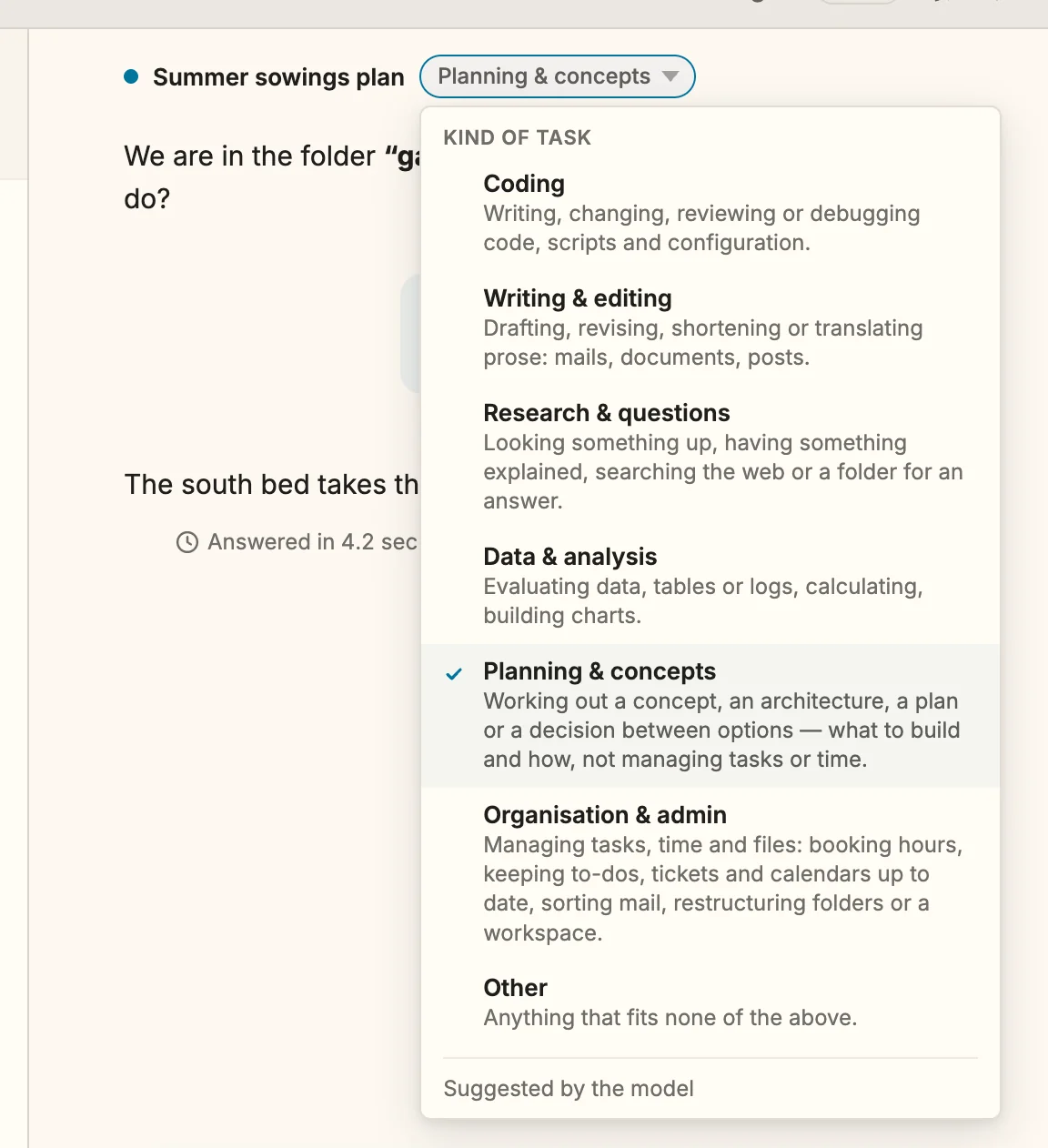
Since 1.29 Every chat counts under one of seven kinds of task: Coding, Writing & editing, Research & questions, Data & analysis, Planning & concepts, Organisation & admin Since 1.30 or Other. Planning & concepts is about working out what to build and how; booking hours, keeping to-dos and calendars up to date or tidying a workspace count as Organisation & admin. The kind is there so that you can tell what kind of work your spending went into. Snotra picks it for you; you can correct it at any time.
What you need
Section titled “What you need”A chat with at least one question in it. A new, empty chat shows no kind yet.
- Look at the chat header. Next to the chat’s title, a small pill shows its kind, for example Coding. A chat that has no kind yet shows Unclassified with a dashed outline.
- Click the pill, or move the focus to it with
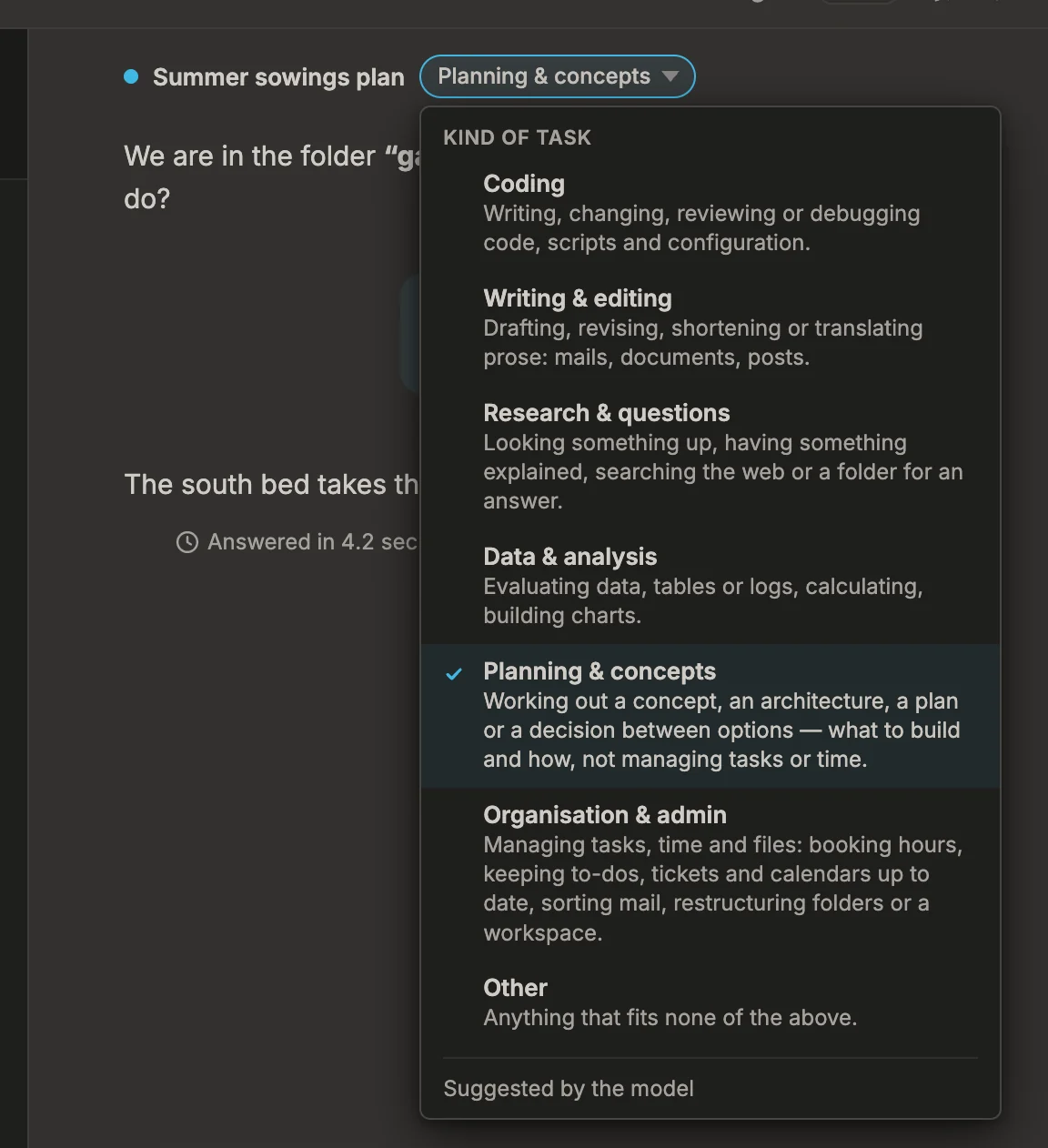
Taband pressEnter. The seven kinds open, each with a short definition. The current one is ticked, and the line at the bottom says where it came from. - Pick the kind that fits — with the mouse, or with
↑and↓and thenEnter. The pill shows it at once.Esccloses the list without a change.
What happens
Section titled “What happens”- Where a kind comes from. The line at the bottom of the list says one of three things:
- Suggested by the model — the chat’s model named the kind together with the chat’s title, after the first answer.
- Estimated by Snotra — Snotra guessed it from the conversation, without asking a model, for example when the model’s answer named no kind.
- Set by you — you picked it.
- Your choice stays. A kind you set is never replaced, neither by the model nor by Snotra’s estimate. Picking the kind the model suggested makes it yours as well.
- A model’s suggestion replaces an estimate, never the other way round.
- It is saved with the chat. The kind comes back when you open the chat again, also after a restart.
- Nothing else changes. The kind does not affect how the model answers, which tools it may use or what the chat costs.
If it doesn’t work
Section titled “If it doesn’t work”- The pill says Unclassified after the first answer. The model named no kind and Snotra could not tell from the conversation. Pick one yourself.
- “The kind could not be saved. Try again.” The chat could not be written to the history, for example because it is not being saved in this session. The list stays open; try again, or see Continue an earlier chat.
- There is no pill. The chat has no question in it yet.