
Send feedback
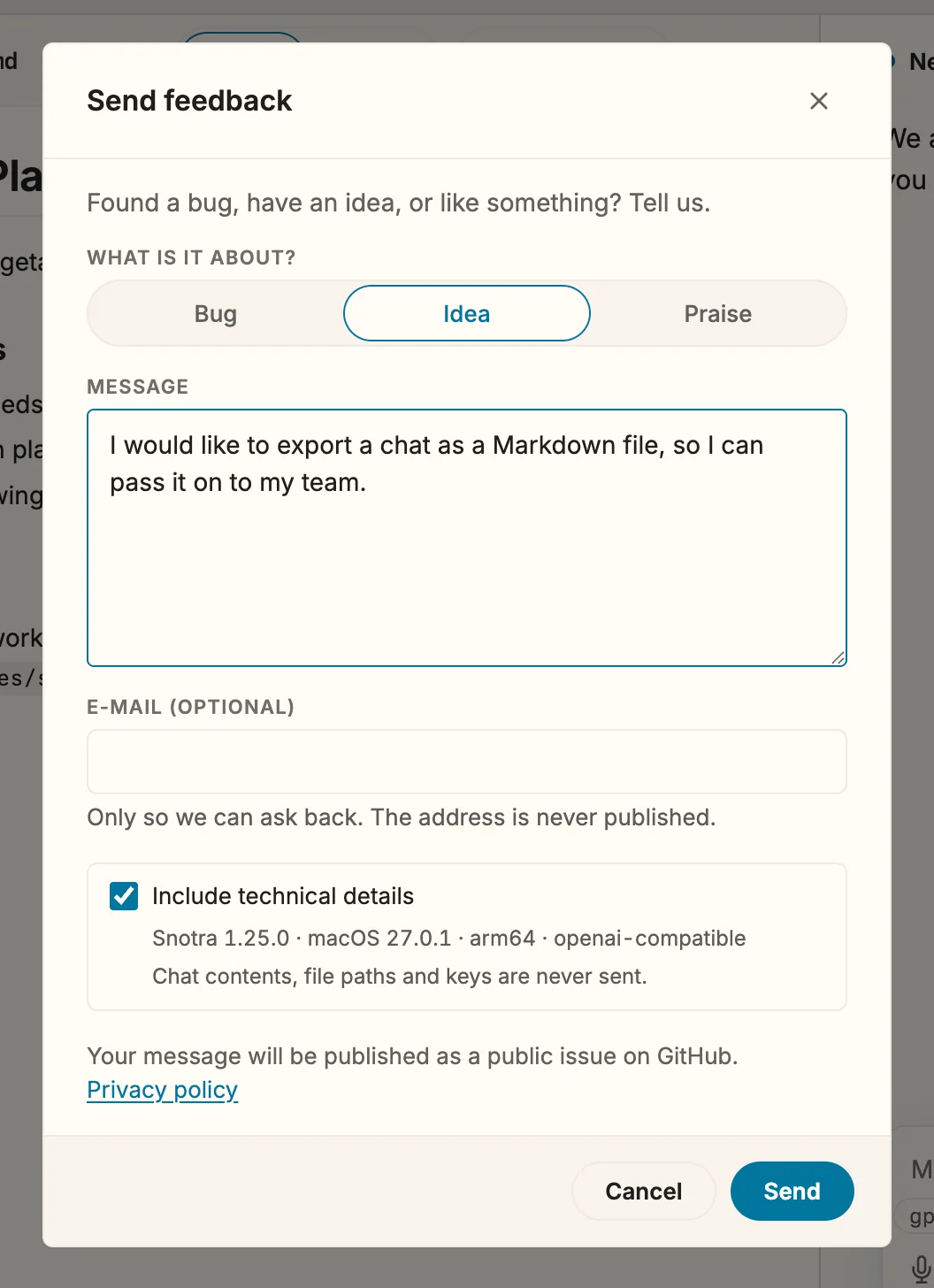
Since 1.25 Found a bug, missing something, or like how something works? You can say so without leaving Snotra and without a GitHub account. Your message becomes a public issue in the Snotra project on GitHub, where it is read and answered.
What you need
Section titled “What you need”An internet connection. An e-mail address is optional.
- Click the speech bubble at the bottom of the sidebar, under the files. Or choose Help › Send Feedback….
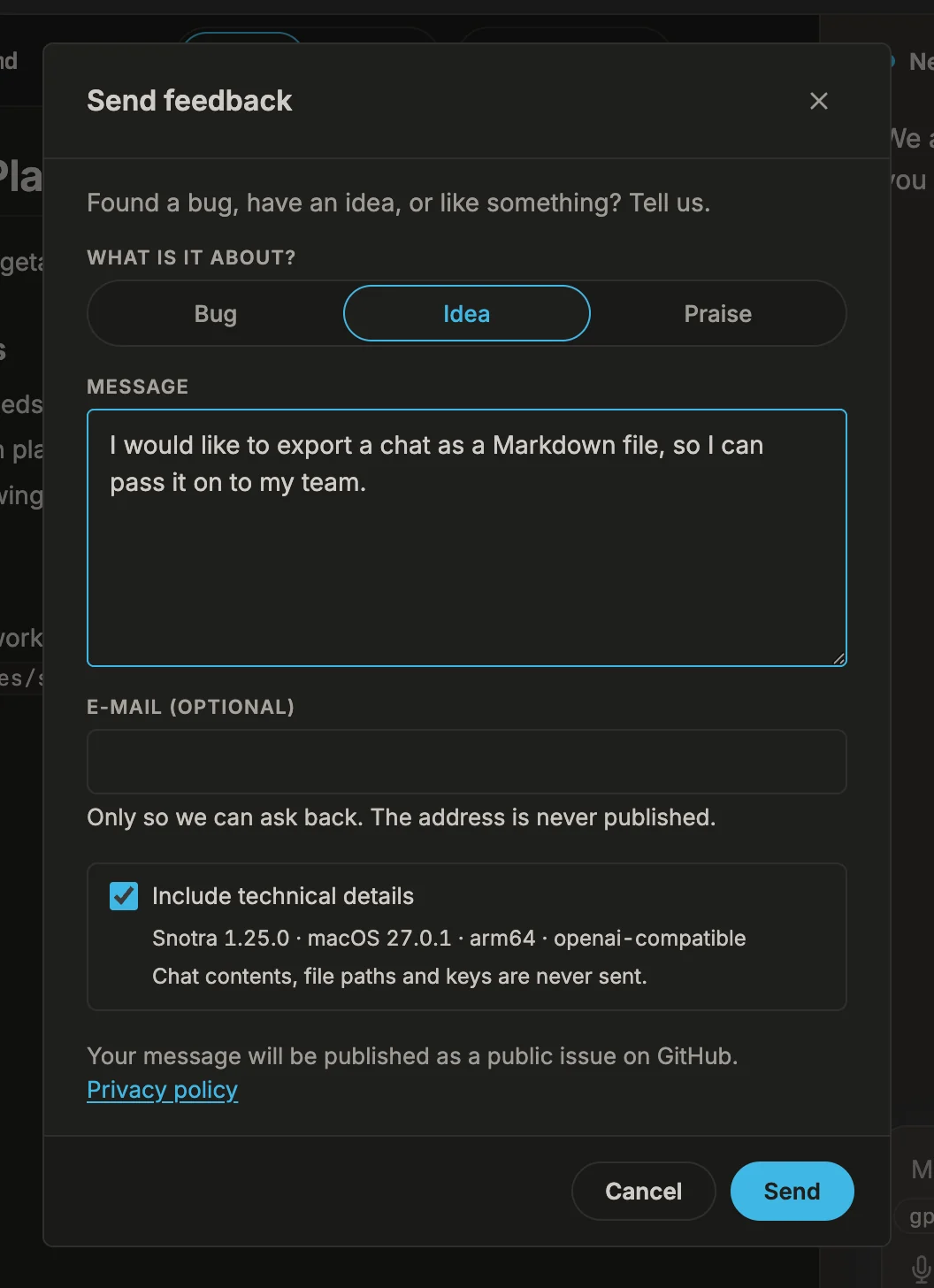
- Choose what it is about: Bug, Idea or Praise.
- Write your message, up to 5,000 characters. For a bug, say what happened and what you expected instead.
- If we may ask you something back, enter your e-mail address.
- Leave Include technical details ticked if the version, your operating system and the provider of the chat on screen may go along. The form shows exactly which values these are.
- Choose Send.
Cmd+Enter/Ctrl+Enterin the message does the same.
The gear next to the speech bubble opens the settings.
What happens
Section titled “What happens”Snotra sends only what the form shows, and only when you choose Send: the kind, your message, the e-mail address if you entered one, and the technical details if the box is ticked. Chat contents, files, file paths and keys are never sent.
The message is filed as a public issue. Anyone can read it, so leave out what you would not post in public. Your e-mail address does not appear in the issue: it is stored separately, used only to ask you back, and deleted after 180 days. The details are in the privacy policy (in German).
When the message is through, the form thanks you and names the issue. Open issue shows it on GitHub.
Closing the form before sending keeps what you wrote until you open it again or quit Snotra.
If it doesn’t work
Section titled “If it doesn’t work”- Snotra could not reach the feedback server. There is no connection, or a firewall or proxy blocks
snotra-ai.dev. Your text stays in the form: try again later, or use one of the two buttons below the message. - Too many messages from this connection. Each connection can send a few messages per hour and per day. Try again later, or choose Open on GitHub instead.
- This message was already sent today. The same text arrived once already, so the issue exists. Change the text if you meant to add something.
- Sending keeps failing. Choose Copy text to take the message along, or Open on GitHub instead: it opens GitHub’s own issue form with your message filled in. That way needs a GitHub account. A very long message is shortened there; paste the copied text to complete it.
- You want to send logs along. The form deliberately sends none. Use Find logs and report a problem instead.