
Comment on a Markdown file
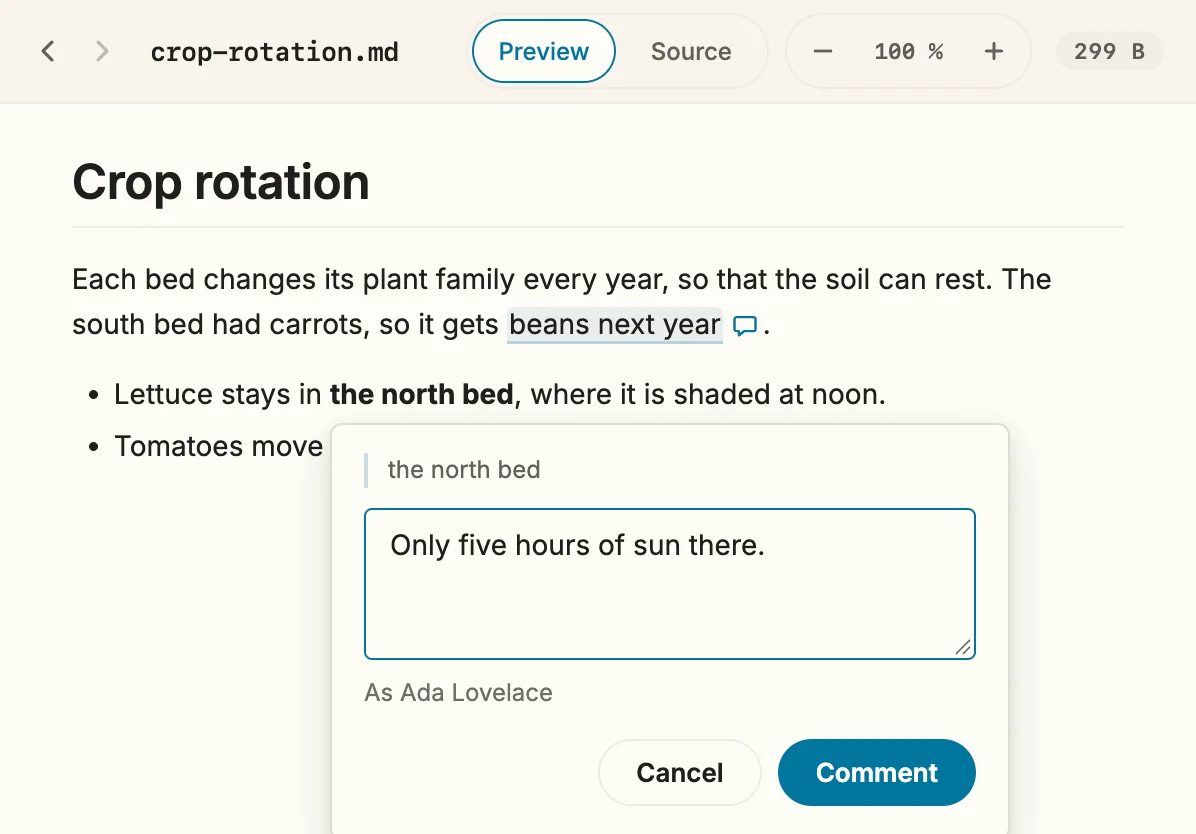
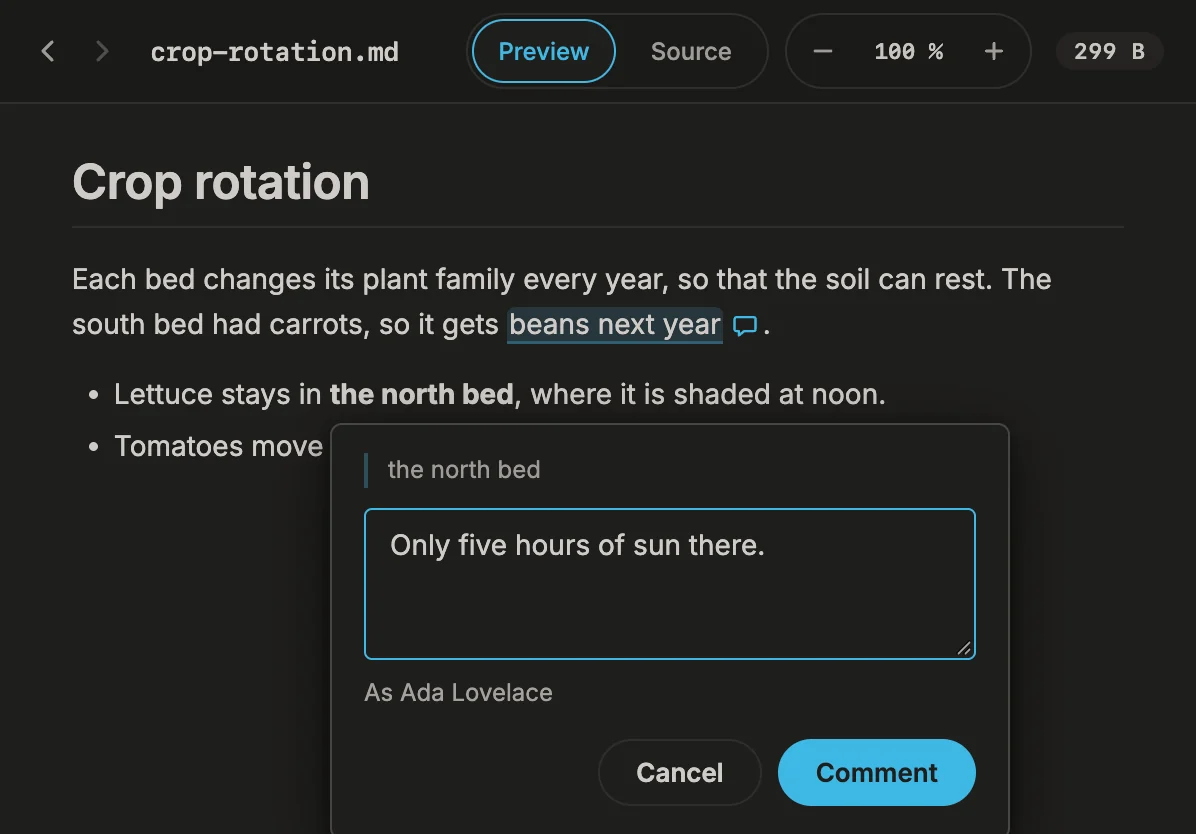
Since 1.32 Reviewing a concept or a note works the way it does in a word processor: select a passage in the formatted preview, type what you think, move on. Later you can ask the agent to work through the comments.
What you need
Section titled “What you need”- An open folder and a Markdown file from it in the preview, on its Preview side.
- No chat answer is running. While the agent works, comments wait, as editing does.
- Optional: a name under Settings › General, Name for comments. Without it Snotra signs with the full name of your user account, as it does in a PDF.
- Select a passage with the mouse or the keyboard — a few words, a sentence, a cell of a table.
- Click Comment next to the selection, or press
Option+Cmd+M/Ctrl+Alt+M. - Type the comment and click Comment, or press
Cmd+Enter/Ctrl+Enter.Esccancels.
What happens
Section titled “What happens”- The comment is written into the file. The passage becomes
{==the version scheme==}{>>Ada Lovelace, 2026-11-14: Semantic versioning, or a date?<<}— CriticMarkup, a plain-text convention for comments. The comment travels with the file: through Git, a synced folder, an e-mail. - The preview marks the passage with a light wash and a small speech bubble after it. Click the bubble or the passage, or move to the bubble with
Taband pressEnter, to read the comment with its author, its date and any replies underneath.Esccloses it. - The agent reads the comments with the file. Ask it to “work through the comments in concept.md”: it changes the text as asked and then removes the comments it has addressed. Comments it did not address stay.
- Nothing is overwritten silently. As with editing, Snotra checks that the file on disk is still the one you selected in. If another program changed it, the comment is not written; the preview shows the new version and you select again.
- Other Markdown viewers that don’t know CriticMarkup — GitHub, for one — show the marks as plain text.
Reply to a comment
Section titled “Reply to a comment”Since 1.32.1 A comment can be answered right where it is, so that question and answer stay together.
- Open the comment: click its speech bubble or the passage.
- Click Reply at the bottom of the comment.
- Type your reply and click Reply, or press
Cmd+Enter/Ctrl+Enter.Escor Cancel goes back to the comment.
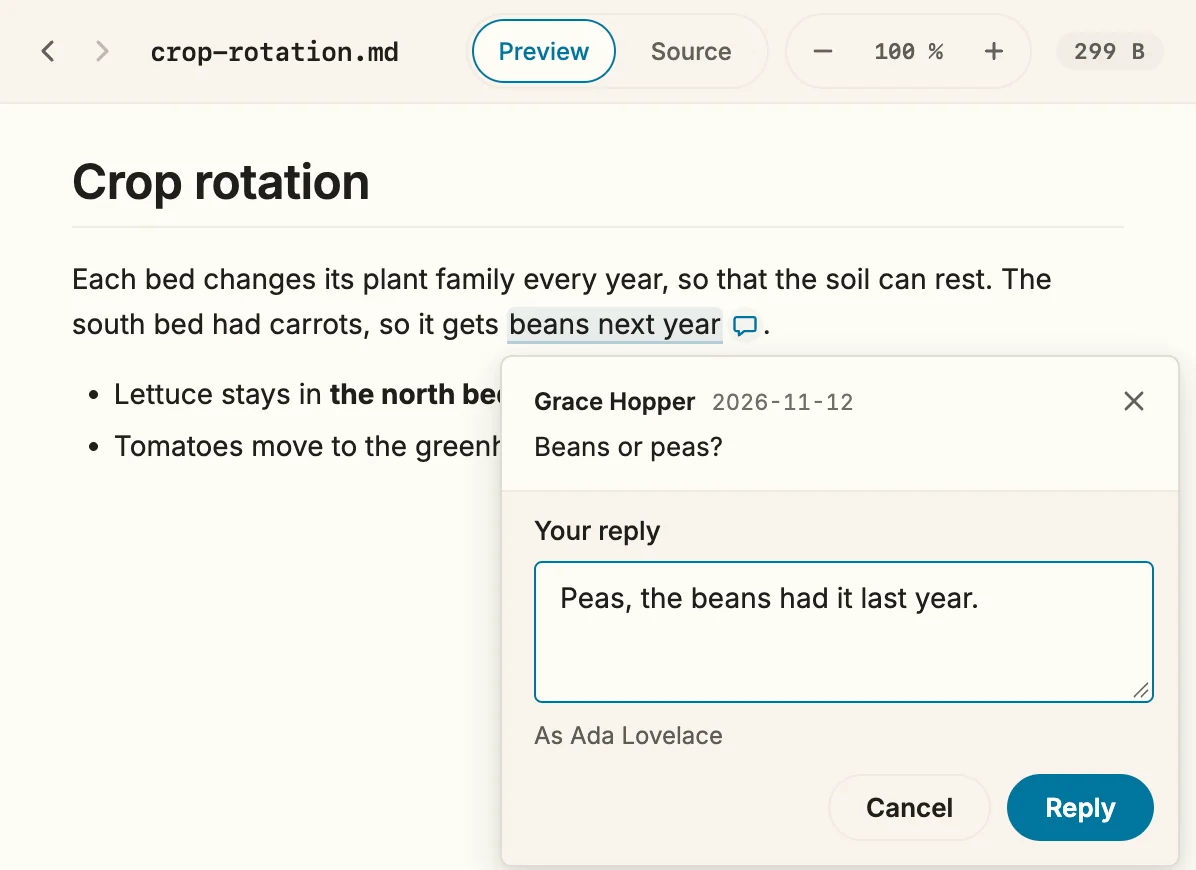
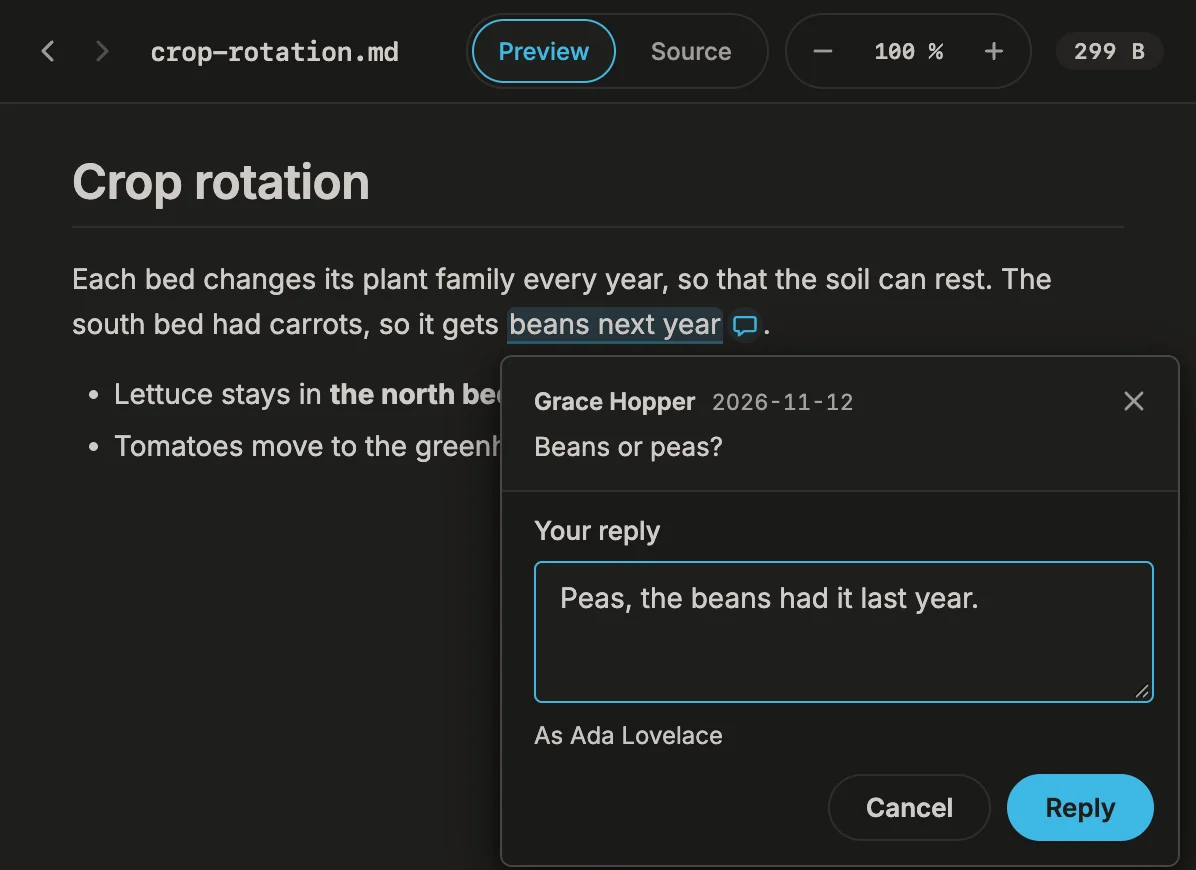
The reply is written into the file right after the comment, as one more comment in the same notation: {==beans next year==}{>>Grace Hopper, 2026-11-12: Beans or peas?<<}{>>Ada Lovelace, 2026-11-14: Peas, the beans had it last year.<<}. Snotra reads comments that follow each other like this as one thread and shows them under the first; the agent reads them as the conversation they are. The comment opens again with your reply under it.
Delete a comment
Section titled “Delete a comment”Since 1.32.1 A comment in the wrong place, or one that has done its job, can be taken out again — yours or anyone else’s.
- Open the comment.
- Click Delete comment at the bottom right of the comment.
- Snotra asks in the same place and says how many replies go with it. Click Delete. Cancel or
Esckeeps the comment.
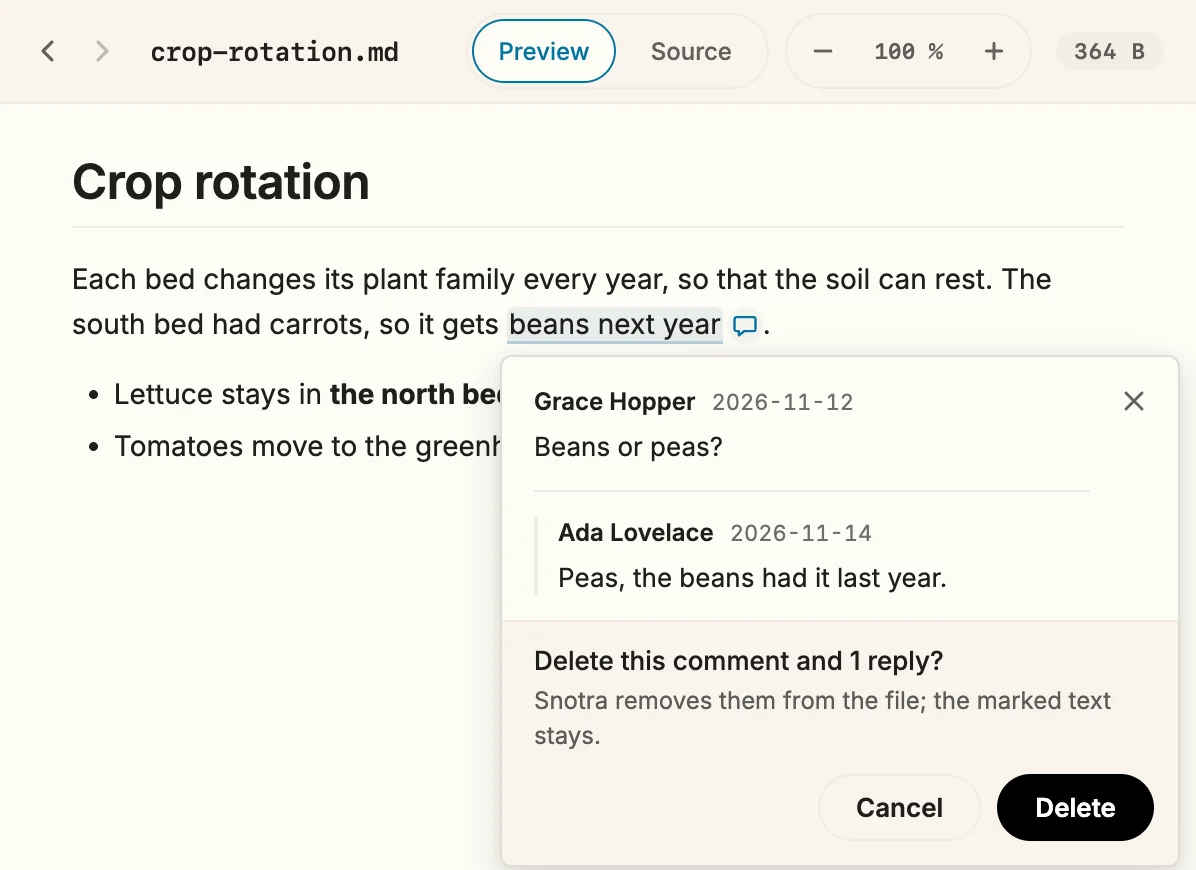
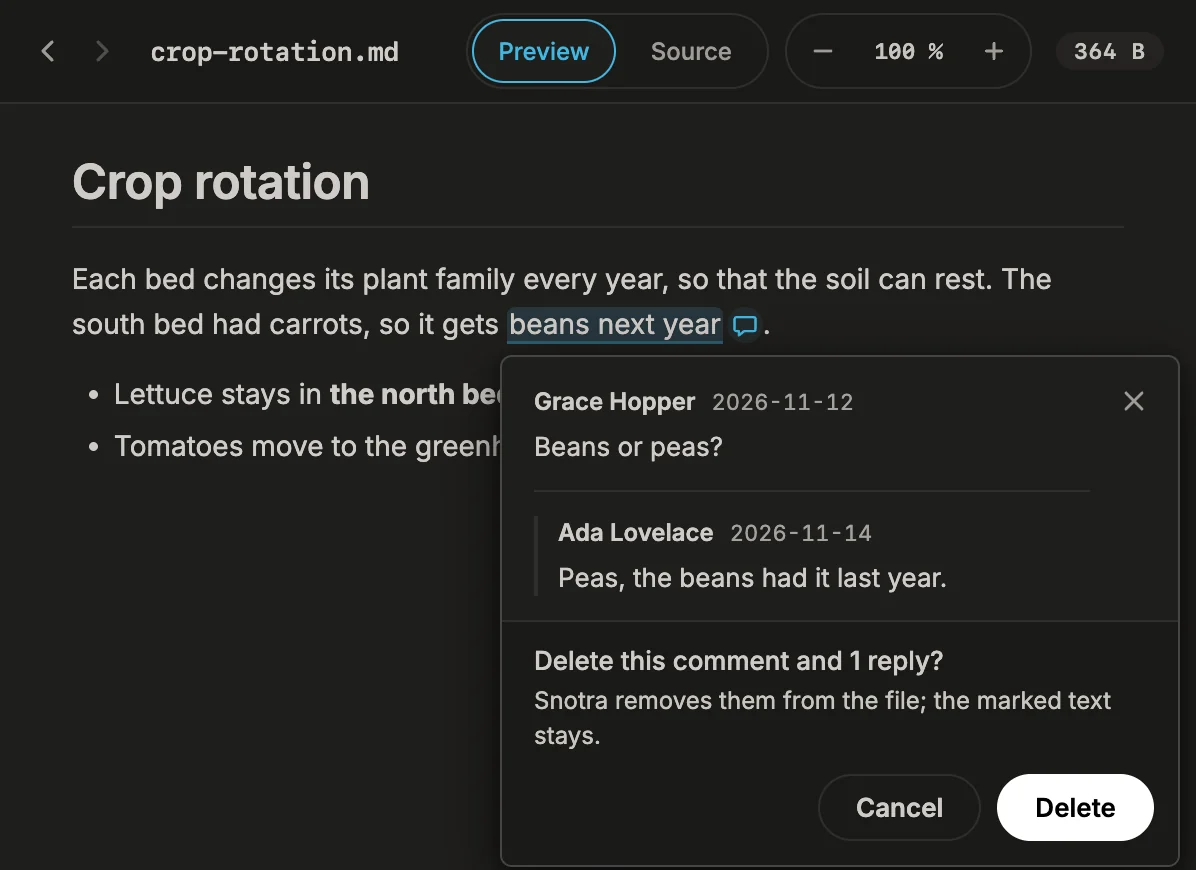
The comment and all its replies leave the file; the words they were on stay as they were: {==beans next year==}{>>…<<}{>>…<<} becomes beans next year. A single reply cannot be deleted on its own.
If it doesn’t work
Section titled “If it doesn’t work”- Comment is greyed out and says Snotra is working. Wait until the chat answer is finished, or stop it.
- Select text within one paragraph, heading, list item or table cell. A comment stays inside one of them. Comment each part on its own.
- Code cannot be commented. Code blocks and
codein a sentence stay as they are. Comment the sentence around it. - This text occurs more than once here. The same words appear several times in the paragraph, and Snotra cannot tell which you meant. Select a few more words.
- This passage cannot be traced back to the file exactly. Some formatting — raw HTML, an image, an unusual link — sits in the way. Select a little less or a little more.
- This passage overlaps a comment that is already there. Comments don’t nest. Select a passage beside it.
- The file was changed on disk and has been reloaded. Your reply is still here … Another program saved the file while you were writing. The comment opens again with your text in the box: check the comment, then send it again.
- This comment can no longer be found in the file. The comment was changed or removed elsewhere in the meantime. Open it again in the reloaded preview.
- The file was changed on disk and has been reloaded. Nothing was deleted. Another program saved the file in the meantime. The comment opens again with this note: check that it is still the one you meant, and delete it again.
- To change a comment or a single reply, switch to Source and edit the text between
{>>and<<}. A reply is the{>>…<<}after its comment.